By Unflag Team
10 Best AI Generated Text Detector Tools for 2026
Compare the 10 best AI Generated Text Detector tools for 2026, from GPTZero to Turnitin. See sample scores, real limits and how to read each result.
Running your draft through several detectors and trusting the majority vote isn't a reliable way to establish authorship. Say the same paragraph receives a high AI score from one tool and a low score from another. That's an illustrative scenario, not a test result, and neither score proves who wrote it.
An AI generated text detector estimates whether writing resembles patterns associated with machine-generated text. Its score isn't a verified account of the writing process, and a highlighted sentence isn't proof that someone used AI.
The distinction matters when a student faces an accusation or an editor decides whether to publish a contributor's work. A study in the International Journal for Educational Integrity concluded that detector outputs shouldn't be treated as conclusive evidence, particularly when disciplinary or reputational consequences are possible.
A detector score is a reason to review a document, not a reason to accuse its author.
The tools below cover students, editors, publishers, and professional teams. Selection focuses on free access, input limits, reporting detail, and suitability for the job, rather than an unsupported accuracy ranking. Both free and paid options appear, starting with Unflag's AI Detector for people who want to check and refine writing in one workflow.
Table of Contents
- 1. En - AI Detector
- 2. GPTZero
- 3. Originality.ai
- 4. Copyleaks
- 5. Turnitin
- 6. Sapling
- 7. Scribbr AI Detector
- 8. Winston AI
- 9. QuillBot AI Detector
- 10. ZeroGPT
- AI generated text detector tools compared on free access, free limits and best use
- How to Read an AI Score Before You Act on It
1. En - AI Detector
Unflag takes the first position for its check, revise, and verify workflow. Its AI Detector provides an AI score and plain-language feedback, while its humanizer, paraphraser, and fact checker address different problems in the same draft.
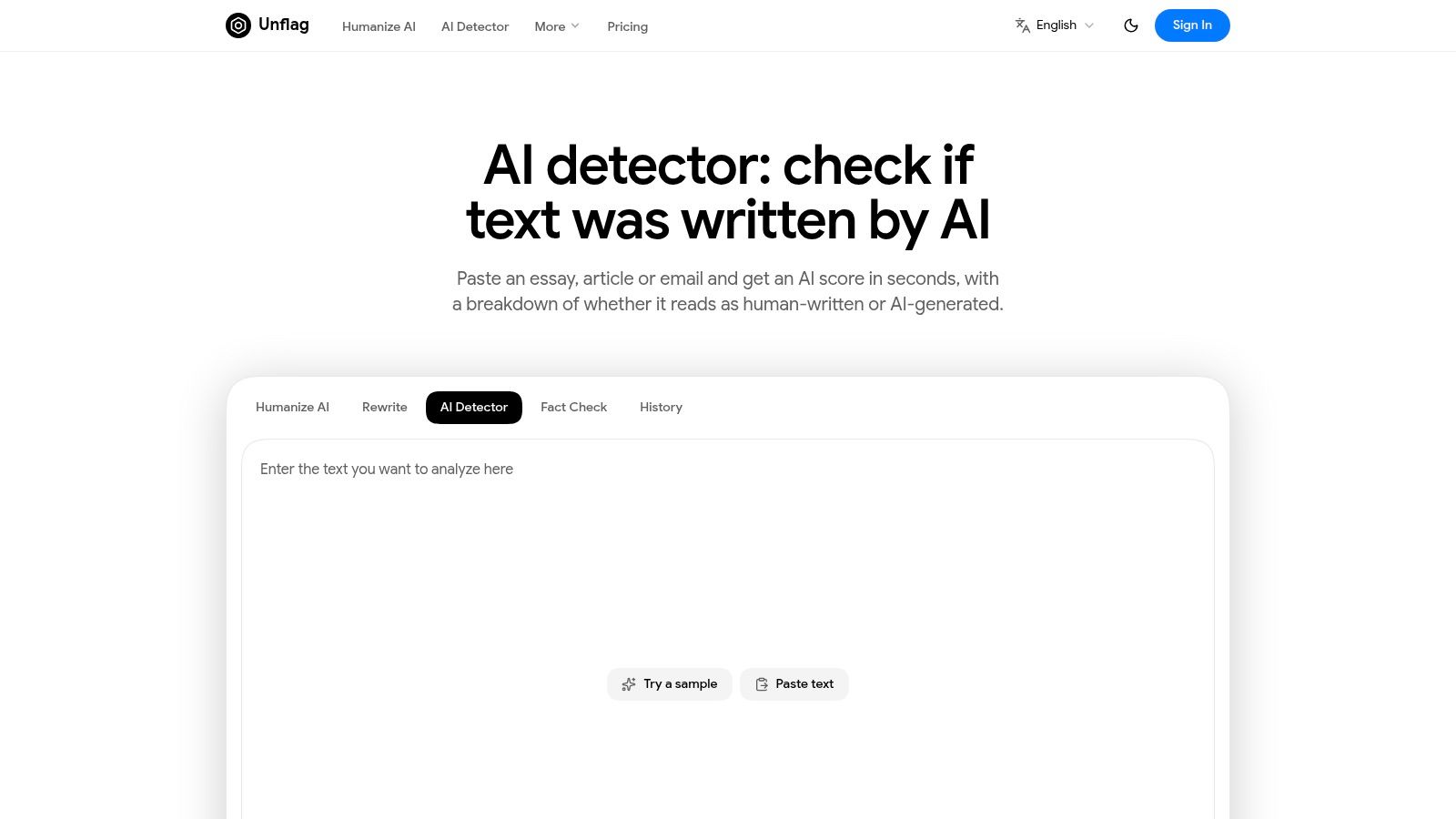
The Unflag detector page suits students checking assignments, editors reviewing submissions, and professionals polishing reports. It's available on the web and through native iOS and Android apps, supports multilingual writing workflows, and is free to start.
What the result actually tells you
Treat the feedback as an assessment of how the submitted wording reads, not a certificate of human authorship. Unflag states 99.5% accuracy for its most advanced model on essays, research papers, reports, and articles. That business claim shouldn't be confused with an independently established, detector-specific false-positive rate, and the detector page doesn't explain its detection methodology in detail.
- Pros: Detection, humanizing, paraphrasing, and fact-checking work together, reducing the need to move a draft between separate services.
- Cons: The score can't establish authorship, and the available detector information doesn't provide enough methodological detail to audit its reliability independently.
Unflag helps AI-assisted text read naturally and pass detectors such as GPTZero and Turnitin, but results vary and it can't guarantee a third-party outcome.
Paste your text into Unflag's AI Humanizer, it's free, then assess the revision for meaning and accuracy. Use rewriting where your assignment, publication, or workplace permits it, and disclose assistance when required.
2. GPTZero
Choose GPTZero when you need to inspect where a document looks suspicious, rather than receive only an overall label. It provides document-, sentence-, and word-level analysis, with sentence highlighting and confidence information.
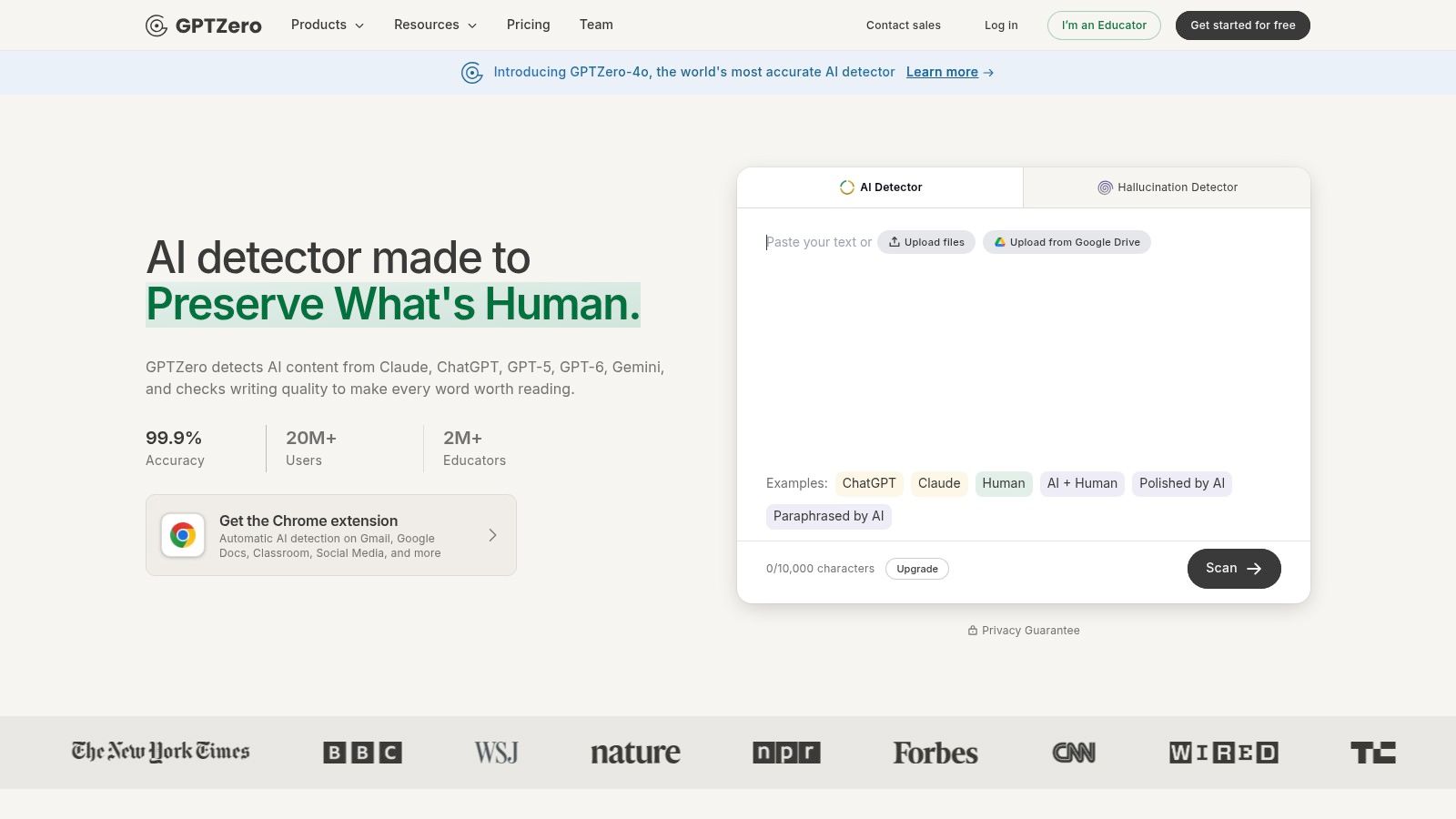
A highlight helps an editor locate a passage for discussion. It doesn't explain who wrote that passage, whether the writer used an approved grammar tool, or whether the sentence is accurate.
Useful detail, not stronger proof
Say an essay's introduction is flagged but its analysis isn't. Ask the writer how they developed the introduction, compare it with earlier drafts, and review whether it makes specific claims supported by the essay. Don't demand awkward wording just to remove the highlight.
- Pros: Detailed reporting provides more context than a single score. Free access makes an initial check straightforward, and education-oriented options fit classroom review.
- Cons: Longer checks and batch uploads require an account. Higher-volume work may require a paid plan, and confidence information still doesn't establish authorship.
A free GPTZero account supports checks up to 150,000 characters, alongside batch-upload options. Check how a report defines its scores before comparing them with another service, particularly ZeroGPT, which is a separate product.
3. Originality.ai
For a publisher, AI detection and plagiarism checking answer different questions. Originality.ai combines both within a content-review service aimed at website owners, content teams, and editors.
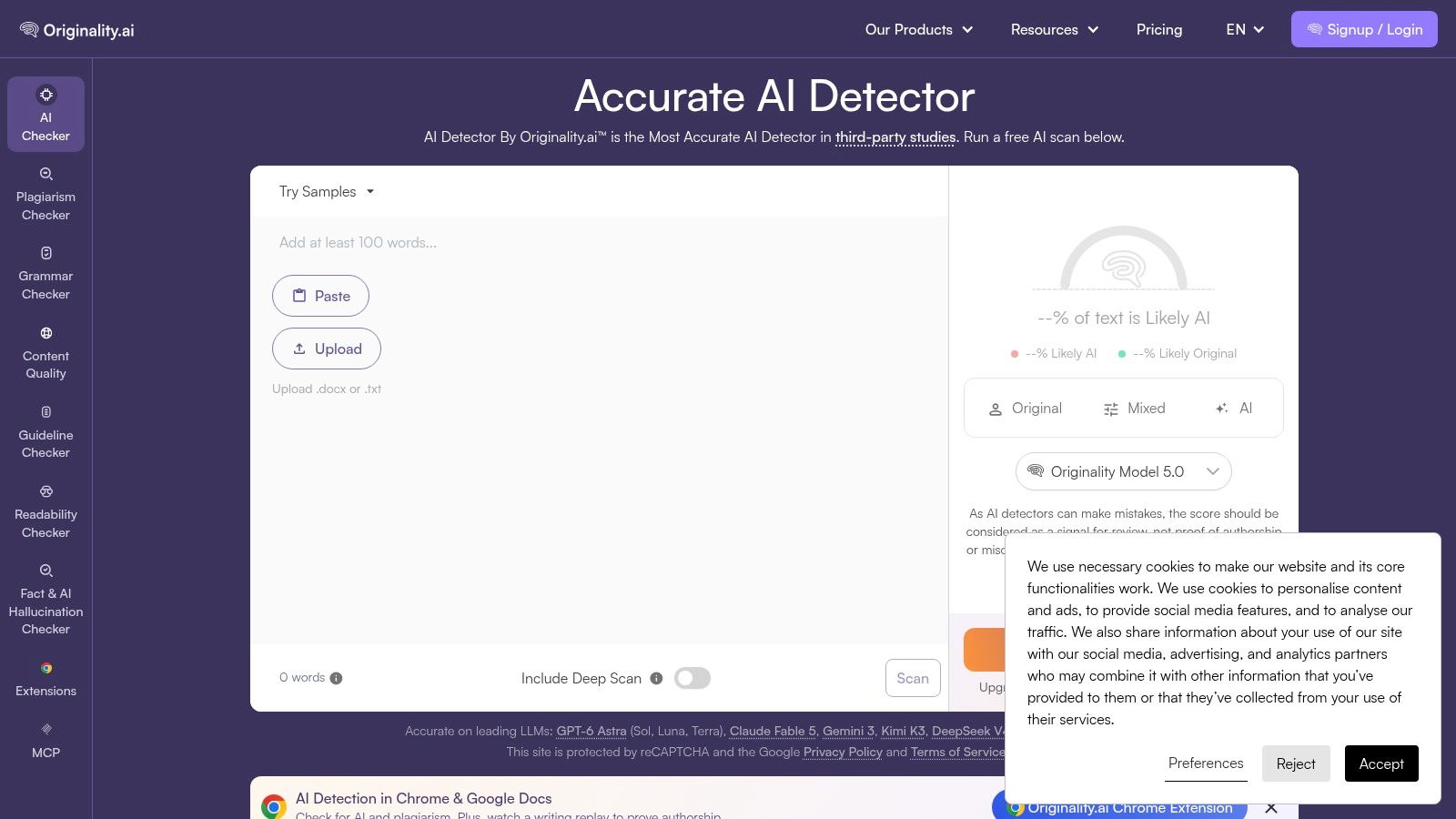
That combination is practical when reviewing commissioned articles. A detector estimates writing patterns; a plagiarism checker looks for matching material. Neither replaces checking whether the writer has supported their central claims.
Keep editorial decisions separate
Suppose a contributor submits a polished buying guide. A high AI score should prompt a conversation about production methods and your publishing policy. A matching passage requires a different investigation into attribution, quotation, and source use.
- Pros: Combines detection and plagiarism review, fits recurring editorial workflows, and offers additional writing-quality tools.
- Cons: Ongoing use depends on paid access and plan allowances. It may be unnecessary for someone who only wants an occasional free check.
Set the contributor policy before commissioning work. Specify whether AI outlining, proofreading, translation, or drafting is allowed, and what disclosure you expect.
A detector can help identify submissions worth examining, but it can't retrospectively create a policy the writer never received. Keep factual reliability, originality, and compliance as separate review decisions rather than collapsing them into one AI score.
4. Copyleaks
Multilingual review needs more than an English-only score. Copyleaks supports AI detection in 30 languages and free scans up to 25,000 characters without logging in, with paid products for individual, educational, and enterprise workflows.
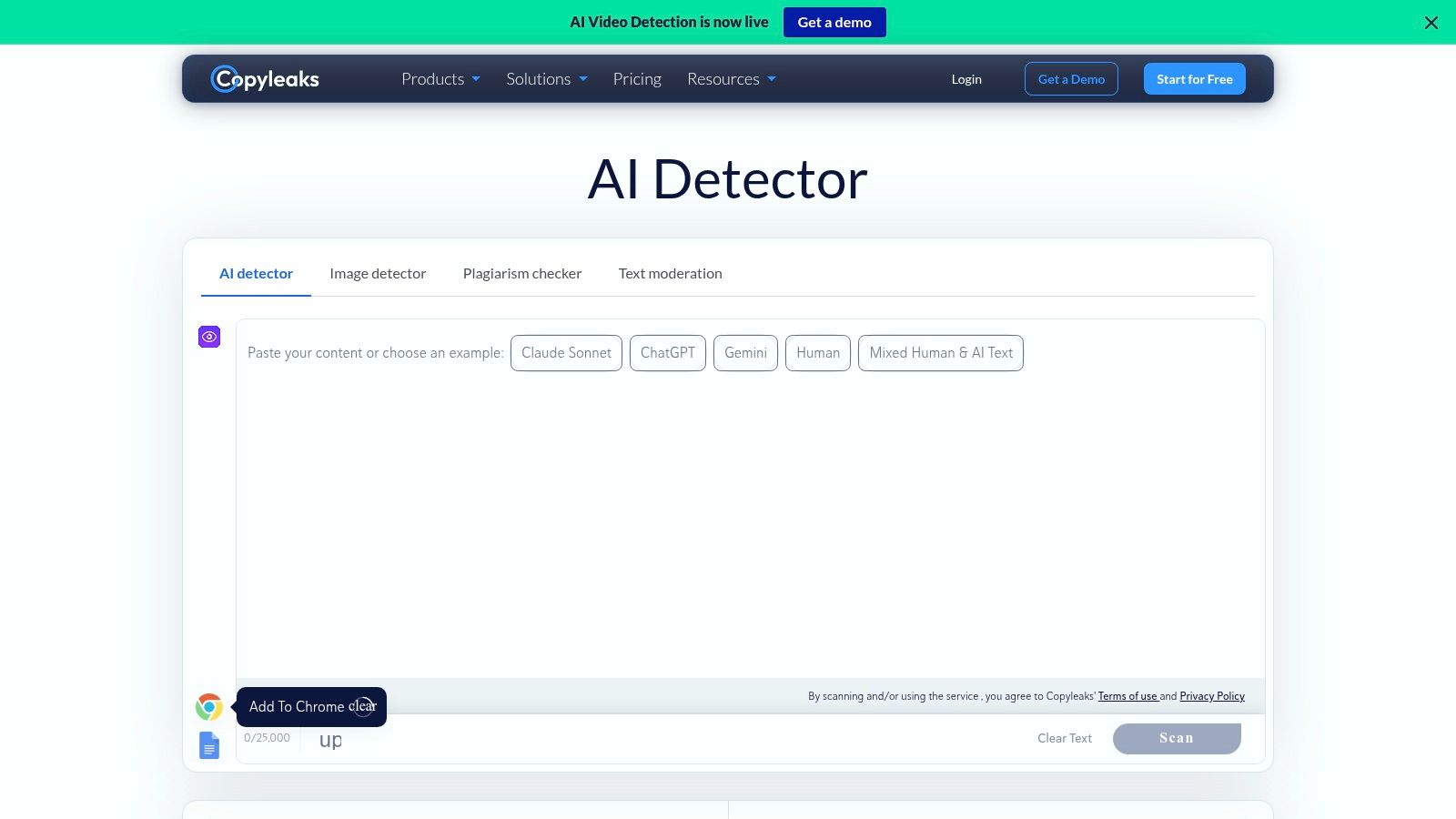
Its API and learning-management-system integrations suit organizations that need checks within an existing review process. Paid workflows can combine AI detection with plagiarism checking.
Language coverage isn't fairness validation
A tool supporting a language doesn't establish that it handles every writing background equally well. In a peer-reviewed study of non-native English writing, detectors produced an average false-positive rate of 61.3% on authentic TOEFL essays.
That finding concerns the evaluated detectors and sample, not a Copyleaks-specific performance result. It explains why multilingual review requires safeguards beyond selecting a supported language.
- Pros: Broad language coverage, a no-login checker, and institutional integrations accommodate different review needs.
- Cons: Phrase-level explanations are available in fewer languages than detection. Frequent users also need to monitor their allowances.
For translated or second-language writing, preserve the original draft and translation or editing history. Ask what assistance the author used before interpreting polished English as evidence of machine authorship.
5. Turnitin
Turnitin makes the most sense when a school already uses its academic submission workflow. Its AI Writing Report highlights qualifying text and provides an overall AI percentage within the submitted document.
Access generally comes through an institution or organization, not an individual purchase. Students looking for a personal pre-submission checker should understand that distinction before paying an unrelated service claiming to provide equivalent access.
Review rule: A report can identify text to discuss. It can't conduct the discussion for you.
Read the report within the assignment
Turnitin's AI percentage concerns qualifying text assessed by its system. Don't assume that it expresses the probability that the student cheated or applies equally to every element in the file.
- Pros: Fits established academic workflows and lets educators inspect flagged passages within the submission.
- Cons: Institutional access limits individual use. File, language, and submission-length requirements apply, and Turnitin cautions against using the report alone for adverse action.
The practical question for students is whether they can access Turnitin's AI checker through their institution. Ask the instructor which assistance is permitted and retain drafts before submission.
For educators, compare the report with notes, cited sources, revision history, and the student's explanation. Give the student a meaningful opportunity to respond before deciding whether the assignment policy was breached.
6. Sapling
Sentence-level scores are useful when a writer needs to locate passages for closer review. Sapling offers overall and sentence-level results, with free checks up to 2,000 characters and Pro checks up to 100,000 characters.
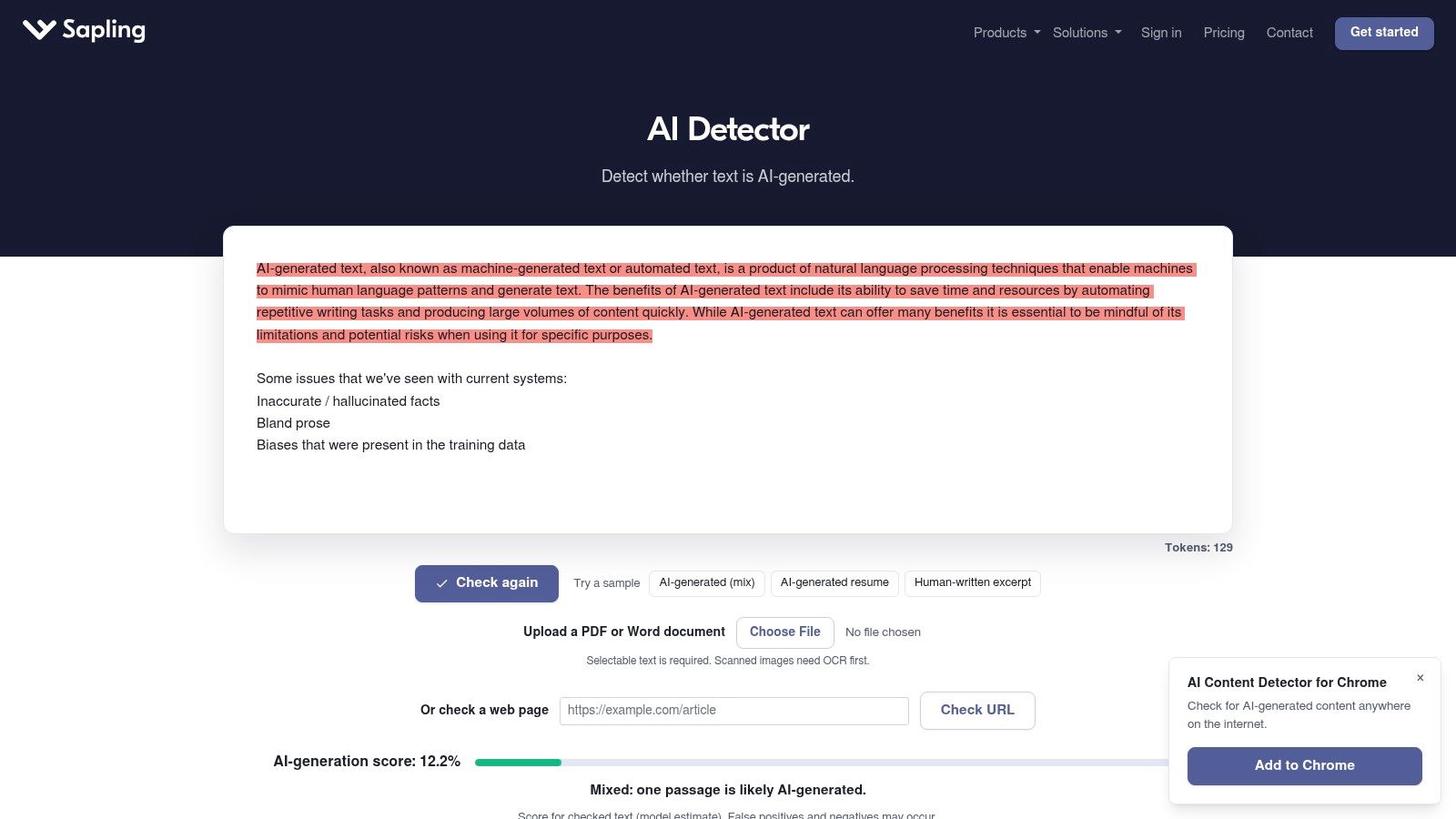
Users can paste text or upload Word and PDF documents. API access also makes it relevant to developers building detection into a larger review process.
Inspect sentences in context
Don't turn sentence scores into a list of passages that must be rewritten. A short sentence may contain little distinctive information, while a passage's meaning can depend on the paragraphs around it.
A controlled detector evaluation found mean accuracy on unmanipulated AI-generated content of 39.5%, falling to 22.14% after wording and other manipulations. Those are aggregate study results, not a Sapling-specific benchmark, but they demonstrate why revised wording can change a detection outcome without resolving authorship.
- Pros: Sentence scores, document uploads, and an API support both quick checks and larger workflows.
- Cons: The free allowance is restrictive for full drafts. Sapling acknowledges false positives and false negatives, so neither a high nor a low result settles the issue.
For editing, examine whether a highlighted sentence is vague, repetitive, or unsupported. Change it for those reasons, not merely because it received a score.
7. Scribbr AI Detector
Students who want a low-friction starting point can use Scribbr's free AI detector without signing up, with up to 1,200 words per submission. It sits within a broader academic-writing toolkit.
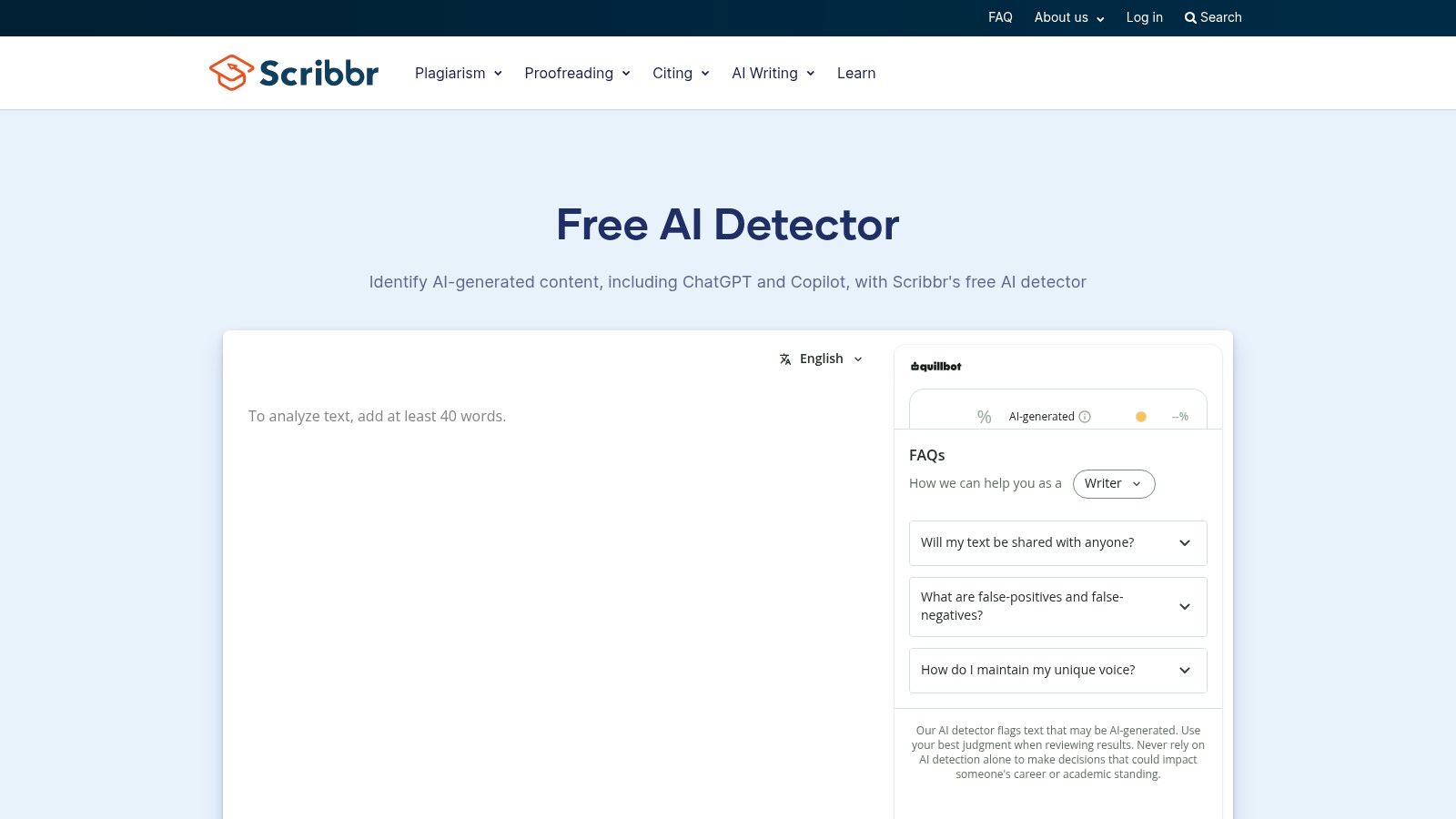
Scribbr describes its detector as distinguishing human-written, AI-generated, and AI-refined writing. Those categories acknowledge that authors may combine their own drafts with machine assistance, but they remain system classifications rather than verified production histories.
Treat mixed-writing labels carefully
Consider a student who writes an essay, translates a paragraph, and uses a grammar tool on the conclusion. A detector label won't necessarily reconstruct those separate actions or determine whether they comply with the assignment.
- Pros: No-account access makes it convenient for shorter drafts. The submission limit is clear, and the surrounding academic tools suit student work.
- Cons: Long documents may require separate checks. Free and premium detector capabilities can differ, so don't assume every Scribbr result comes from an identical service.
Keep a record of what you submitted and whether you checked the whole essay or an excerpt. A result for one section shouldn't be presented as a conclusion about the complete document.
If a teacher questions the work, provide the outline, sources, drafts, and an explanation of any permitted assistance. That evidence addresses the writing process more directly than another detector screenshot.
8. Winston AI
A shareable report is useful when several people review the same submission. Winston AI offers sentence-level detection, document uploads, PDF reports, and a free option with 2,000 credits.
Its paid plans support larger workloads, with plagiarism checking and team features available on qualifying tiers. The appeal is less about obtaining another percentage and more about giving reviewers a common document to discuss.
A professional report still needs qualification
A polished export can make an uncertain result appear authoritative. When sharing it, state what was scanned, who performed the check, and what the report does and doesn't establish.
- Pros: Uploads and shareable reports suit editorial handoffs. Paid options combine detection with plagiarism review and team workflows.
- Cons: Scanning depends on credit allowances, while plagiarism checks and team workspaces aren't part of the free tier. Occasional users may not need a subscription.
For a publisher, attach reviewer notes to the report rather than forwarding the score alone. Identify the passages needing source verification and the questions the author should answer.
For a school, avoid circulating an AI report as if it were a misconduct finding. Limit access to the people responsible for reviewing the work, and document the contextual evidence used in any decision.
9. QuillBot AI Detector
Writers already using QuillBot for grammar checking or paraphrasing get a free AI Detector in the same workspace. No separate subscription is needed to add a quick check to that workflow.
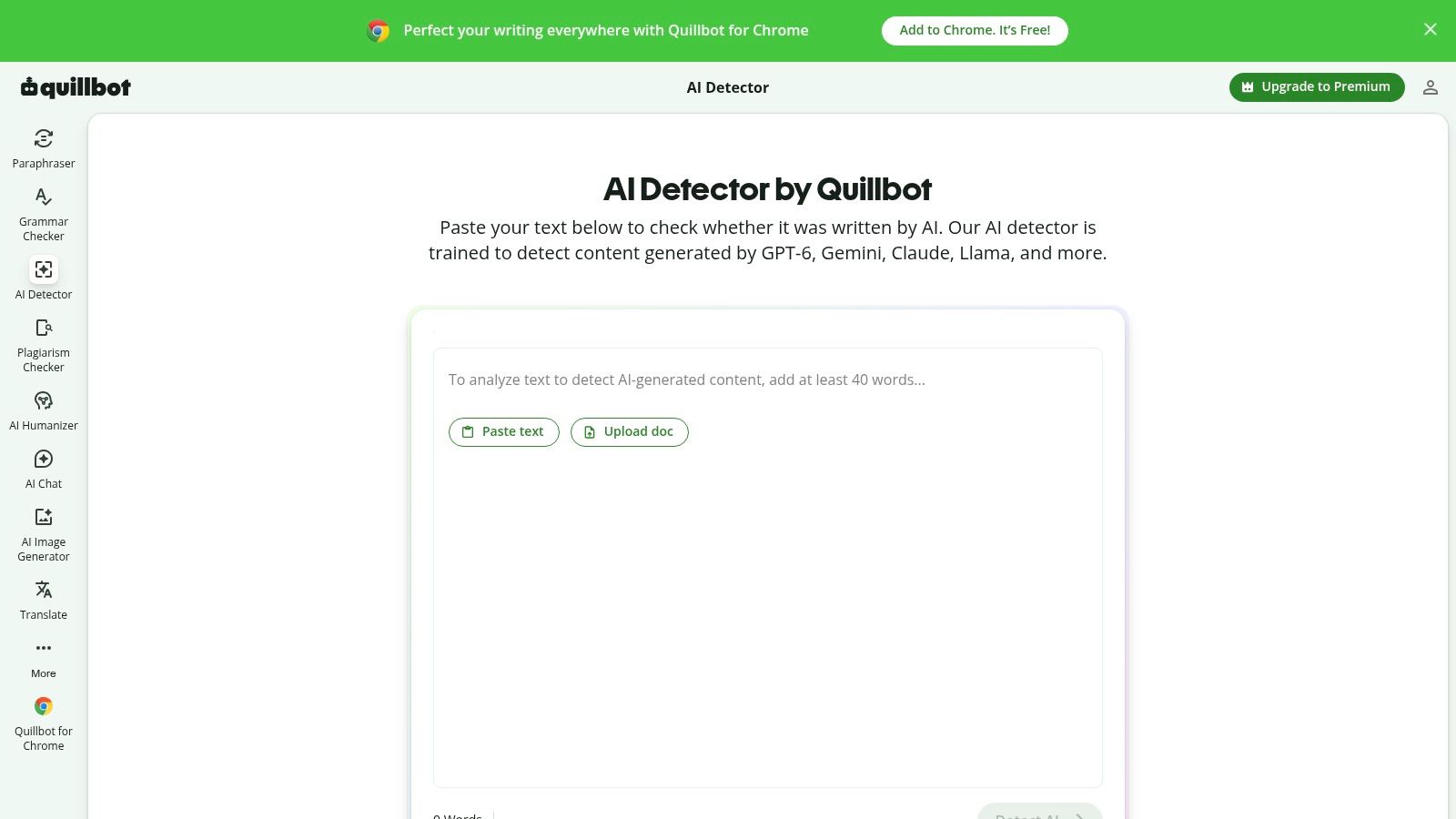
That convenience carries a temptation: rewrite, rescan, repeat, and stop when the label looks reassuring. The process tunes wording against one classifier. It says nothing about whether the draft meets an assignment brief or a publication standard.
Rewriting isn't authorship verification
A NAACL study on paraphrasing and detection found that minimal wording and sentence-structure changes reduced detection accuracy. A lower score after revision proves only that the phrasing changed, not that the draft began as human writing. Treat the post-edit score as a measure of the new wording, not as evidence about the original.
- Pros: Convenient for existing QuillBot users and casual writers who want detection beside other editing tools.
- Cons: Institutional reporting and integration details are less clear than for organization-oriented services.
The practical question is whether you need a quick in-suite check or a more connected review process. This guide to a QuillBot alternative with an AI detector helps frame that choice.
Whatever you pick, keep the original version before paraphrasing. Assess the revision for changed claims, lost qualifications, and inaccurate terminology.
10. ZeroGPT
ZeroGPT offers document-, paragraph-, and sentence-level detection, alongside free and paid plans, API access, batch scanning, and other writing tools. It suits users who want several levels of inspection within a broader toolkit.
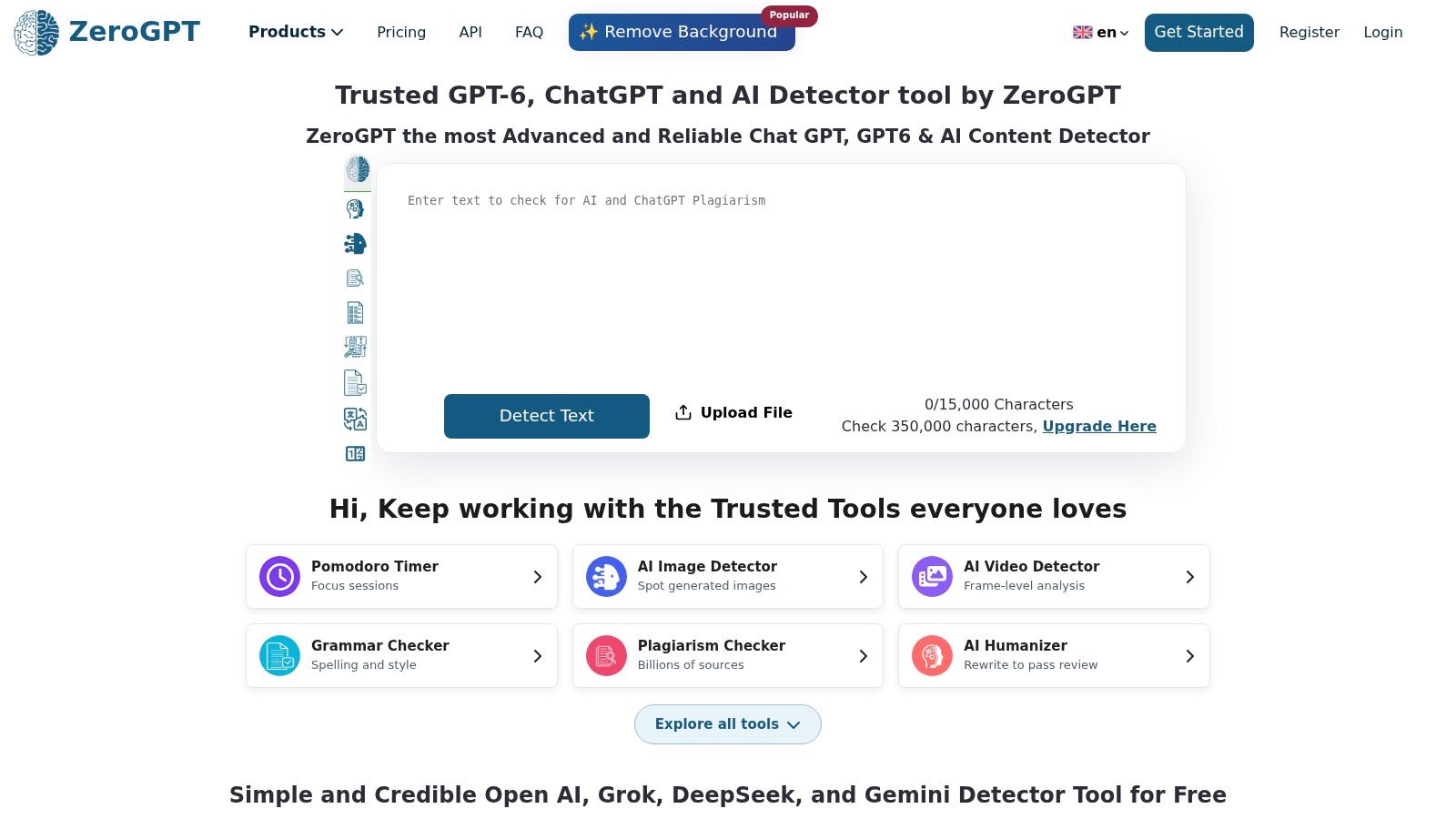
Paragraph analysis can help distinguish a flagged introduction from an unflagged body section. It still doesn't establish whether either passage was generated, translated, edited, or written entirely by the author.
Don't average incompatible scores
If ZeroGPT disagrees with GPTZero or another detector, don't average the percentages. The tools may classify text differently and apply different thresholds, so their outputs aren't interchangeable measurements.
Two detector scores aren't two independent witnesses.
Independent threshold-focused detector testing explains why false-positive rates and detection rates at a fixed threshold matter more operationally than an impressive aggregate accuracy claim. For reviewers, the useful question is how often a tool wrongly flags comparable human writing.
- Pros: Multiple analysis levels, a free entry point, batch options, and API access cover casual and integrated use.
- Cons: Paid rates and allowances require checking the current plan details. The extra writing utilities may be unnecessary if you only need detection.
When results conflict, return to the draft's evidence trail. Ask for notes, earlier versions, and source explanations instead of continuing to scan until one tool gives the preferred answer.
AI generated text detector tools compared on free access, free limits and best use
Free access tells you whether you can scan at all. The free limit tells you whether the tool fits a paragraph, a draft, or only a sample. Read both columns together before choosing.
| Item | Free option | Free limit | Best for |
|---|---|---|---|
| En - AI Detector | AI detection included in the free writing toolkit | Up to 600 characters at a time | Checking and refining text in one writing toolkit |
| GPTZero | Free detector; free account supports longer checks and batch uploads | Up to 150,000 characters with an account | Students and educators needing detailed analysis |
| Originality.ai | Trial access to selected tools | Limited trial scans; paid plans handle fuller review | Publishers and content teams reviewing material |
| Copyleaks | Free online checker, no login required | Up to 25,000 characters per scan | Multilingual checks and quick online scans |
| Turnitin | Generally available through institutional access | No individual free option | Schools and universities using Turnitin |
| Sapling | Free detector checks | Up to 2,000 characters per check | Quick checks and sentence-level review |
| Scribbr AI Detector | Free, no sign-up required | Up to 1,200 words per submission | Students checking shorter drafts |
| Winston AI | Free option | 2,000 credits | Reviewing text with sentence-level results and reports |
| QuillBot AI Detector | Free detector | Short free scans inside QuillBot | QuillBot users wanting a quick check |
| ZeroGPT | Free plan available | Free scans with plan-based allowance | Users wanting multiple analysis levels and writing tools |
A 600-character cap suits a revised paragraph, not a full essay. Larger character, word, or credit allowances suit longer drafts, while institutional tools depend on access rather than a personal quota.
How to Read an AI Score Before You Act on It
The best AI generated text detector for your job is the one whose output you can interpret responsibly. Students need feedback they can understand; editors need a review trail they can defend. Neither needs a false certainty dressed up as a percentage.
Use this checklist before changing a draft or challenging its author.
- Preserve the original. Save the draft, notes, references, and revision history before scanning or rewriting. Record any AI assistance that your institution or publication requires you to disclose.
- Check with one detector, then another. Submit the same version to both tools. Use disagreement to identify uncertainty, not as a reason to keep scanning until you obtain a preferred label.
- Read sentence highlights before the overall score. Examine the surrounding paragraph. Look for vague claims, repetitive transitions, abrupt changes in terminology, or missing support.
- Verify sources and facts. Open cited material and confirm that it supports the claim. Check names, quotations, dates, and qualifications against the original source.
- Review the writing process. For consequential decisions, examine drafts and ask the author to explain their argument and source choices. Treat the score as a prompt for review, not proof.
Improve the writing without inventing evidence
The following illustrative before-and-after example isn't a detector test result.
Robotic version
Effective communication plays an important role in facilitating successful collaboration. By implementing clear communication practices, teams can improve their overall productivity and achieve desired outcomes.
Natural version
“Before work starts, agree on who owns each task and where updates belong. That helps teammates spot delays and avoid doing the same work twice.”
The revision replaces abstractions with actions. It doesn't justify claiming that a human wrote the original, and it doesn't establish any detector outcome.
For a practical next step, paste your text into Unflag's AI Humanizer, it's free. Review the revised wording, check it with the AI Detector, and verify supported claims with the Fact Checker. Keep your original alongside the revision so you can explain what changed.
No tool can guarantee a result from another detector. Choose a passage that needs clearer wording, save its original version, and revise it against the source material before checking the score again.
Unflag brings humanizing, paraphrasing, AI detection, and fact-checking into one writing workflow. Visit Unflag, paste a passage you're allowed to revise, and compare the result with your original for clarity, meaning, and factual support.
More guides
View allAnswer a Question Clearly and Concisely in 2026
Learn how to answer a question clearly and concisely, with answer shapes for each question type, a four-step structure, and fixes for common mistakes.
Correct Parallel Structure: Rules and Fixes
Learn how to correct parallel structure with a fix table, five editing steps, correlative pairs, and practice sentences you can use today.
Base Word Examples: 8 Root Families with Derived Forms
Base word examples for 8 root families, with derived forms, sample sentences, and natural rewrites that show how each word shifts in use.
How to Rewrite Text Without Losing Your Meaning
Learn how to rewrite text for clarity, tone and originality while keeping its meaning, with a step-by-step workflow, examples and final checks.