By Unflag Team
10 Best AI Humanizer Tools for Natural Writing (2026)
Compare the 10 best AI humanizer tools for natural writing, including languages, pricing, privacy, detection features, and practical use cases.
Unflag is a strong AI humanizer tool for many users because it combines humanizing, paraphrasing, AI detection, and fact checking in one workflow. Students, multilingual writers, marketers, and professionals should still compare focused alternatives when they need an API, bulk credits, study tools, or very high word allowances instead.
That recommendation may surprise you if you shop by detector scores alone. Detection isn't reliable enough to be your only test. In one 2024 study, detectors identified unmodified AI text with only 39.5% average accuracy and human written controls with 67% accuracy, and that 2024 detector accuracy study also found accuracy fell sharply after editing. A rewrite that fools one checker can still read badly, change your meaning, or introduce a factual error.
Pick on workflow instead. Ask whether you need only rewriting, or also detection, paraphrasing, multilingual support, mobile access, privacy controls, and fact checking. Ask how you'll pay, by words, credits, characters, or a flat plan, and whether the limits fit an essay, a report, or a month of client drafts.
The ten tools below cover those decisions directly. Each one gets an honest use case and a real limitation. If you want to start now, paste your text into Unflag's AI Humanizer, it's free, then compare its output against one focused tool using the same paragraph.
Table of Contents
- 1. Unflag
- 2. Undetectable AI
- 3. StealthGPT
- 4. HideMyAI
- 5. Conch AI
- 6. HIX.AI
- 7. Smodin
- 8. Humbot
- 9. Paraphrasing-tool.ai
- 10. WriteHuman AI
- Top 10 AI Humanizer Tools: Feature Comparison
- How to Choose the Right AI Humanizer for Your Writing
1. Unflag
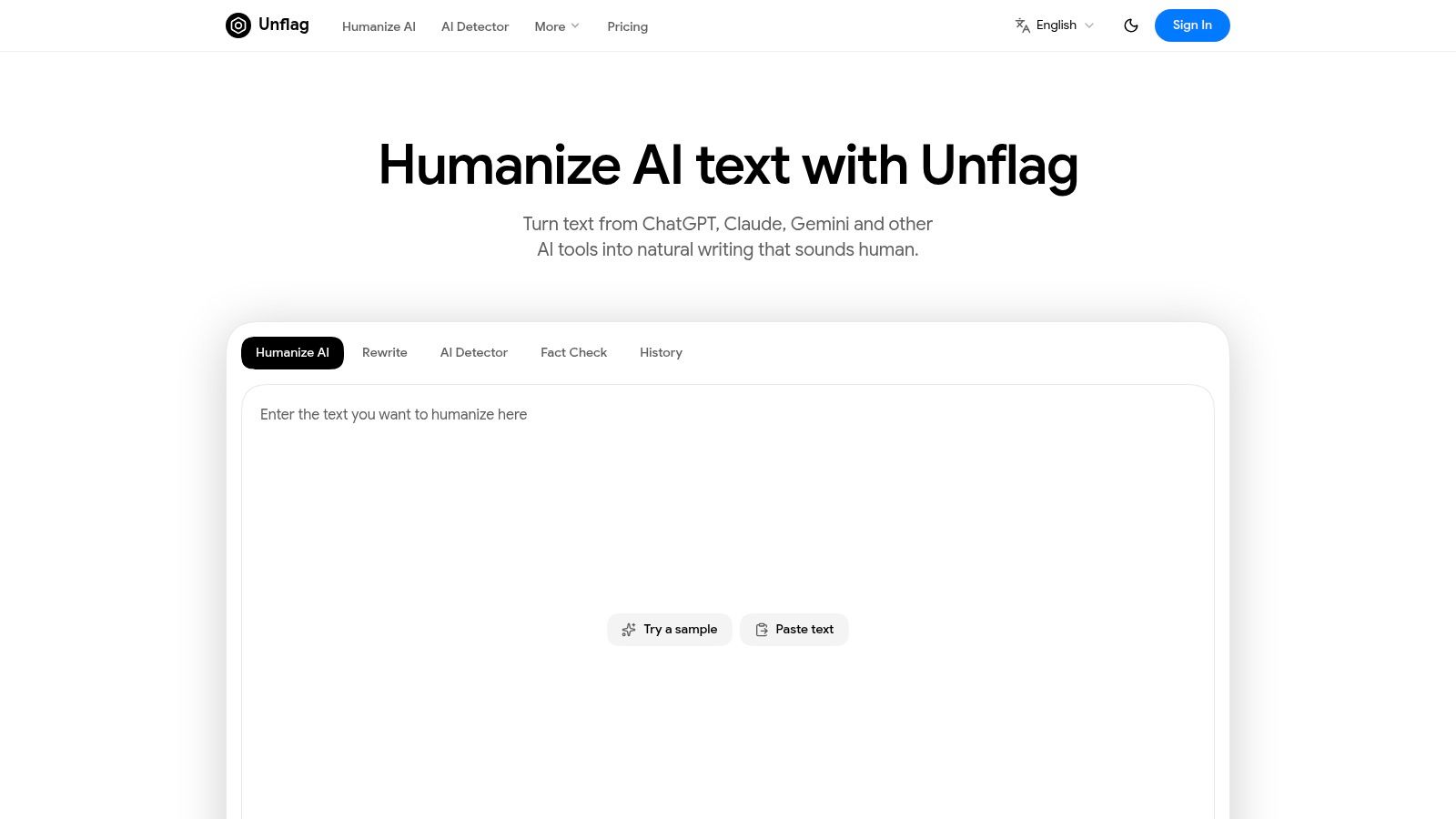
Unflag is a strong fit if you want rewriting, AI detection, and fact checking in one workflow. Its humanizer and paraphraser handle drafts from tools such as ChatGPT, Claude, and Gemini; the detector provides an AI score and feedback, while the fact checker helps review claims. That combination suits writers who need more than a rewrite. It does not guarantee that text will pass a detector or preserve every detail, so review the result yourself.
Unflag says its most advanced model reaches 99.5% accuracy on essays, reports, research papers, and articles. Treat that figure as a vendor claim, not an independent certification. Test the tool on your own writing before relying on it.
What a rewrite should look like
Before: "It is important to consider that remote work has many advantages. Remote work can increase productivity. Remote work can also improve work life balance for employees in many different situations."
After: "Remote work helps many people focus better and skip the commute, which gives them more time and energy for life outside work."
The revised version keeps the core point, removes repetition, and reads more naturally. Use this guide to humanizing AI-generated text for practical steps, then read your draft aloud and check that its meaning remains intact.
Languages, apps, and pricing
- Languages and platforms: Supports English, Spanish, Chinese, Arabic, and other languages. Use it on the web or through native iOS and Android apps.
- Free plan: Humanize, rewrite, and run AI checks on up to 600 characters at a time.
- Plus plan: Includes 45 times more usage, longer limits, no ads, and fact checking. The annual plan costs $45.99 per year, advertised as 57% off monthly billing.
- Privacy and payments: Unflag states that it is GDPR compliant and does not sell personal data. Payments are handled through Stripe, Apple, and Google.
The free character limit is best for short passages, not full-length documents. Choose Plus if you need fact checking or regularly process longer drafts. For any plan, judge the output first by whether it preserves meaning and factual accuracy, then by its detector score.
2. Undetectable AI
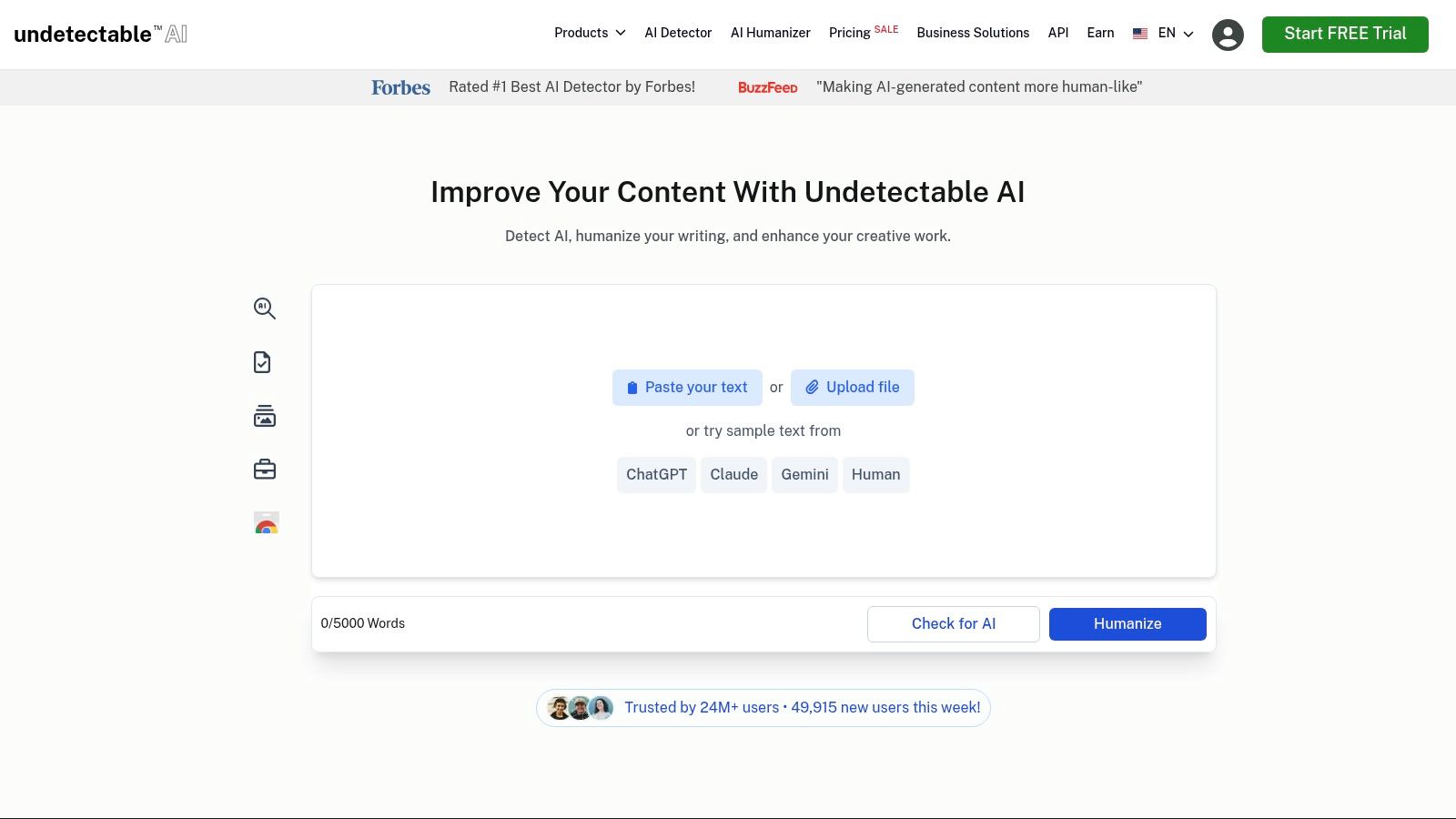
Undetectable AI suits marketers and developers who need high-volume rewriting or API access. Its web app combines a humanizer and an AI detector, with controls for matching a school, university, or professional reading level. Use those settings to adjust the tone for a specific audience.
The detector is built into the workflow, so you can check a draft without switching tools. Paid tiers include unlimited scans, while rewriting is metered by word count. A Google Docs auto-typing add-on is available, though it matters mainly to people who work in Docs every day.
Pricing and fit
- Trial: About 250 words free, which is enough for one honest test paragraph.
- Personal plans: Roughly $9.99 monthly or $5 per month billed annually.
- API plans: Word allowances with overage pricing for teams adding rewriting to their own products.
The offer is focused on rewriting and detection. It lacks a fact checker, study tools, and a native mobile app. For context on what detection can and cannot establish, read this guide to how an AI content detector works.
Choose Undetectable AI for bulk credits or API integration. Its main limitation is the metered word count, which can make long documents costly, and detector results vary across tools and source drafts.
3. StealthGPT
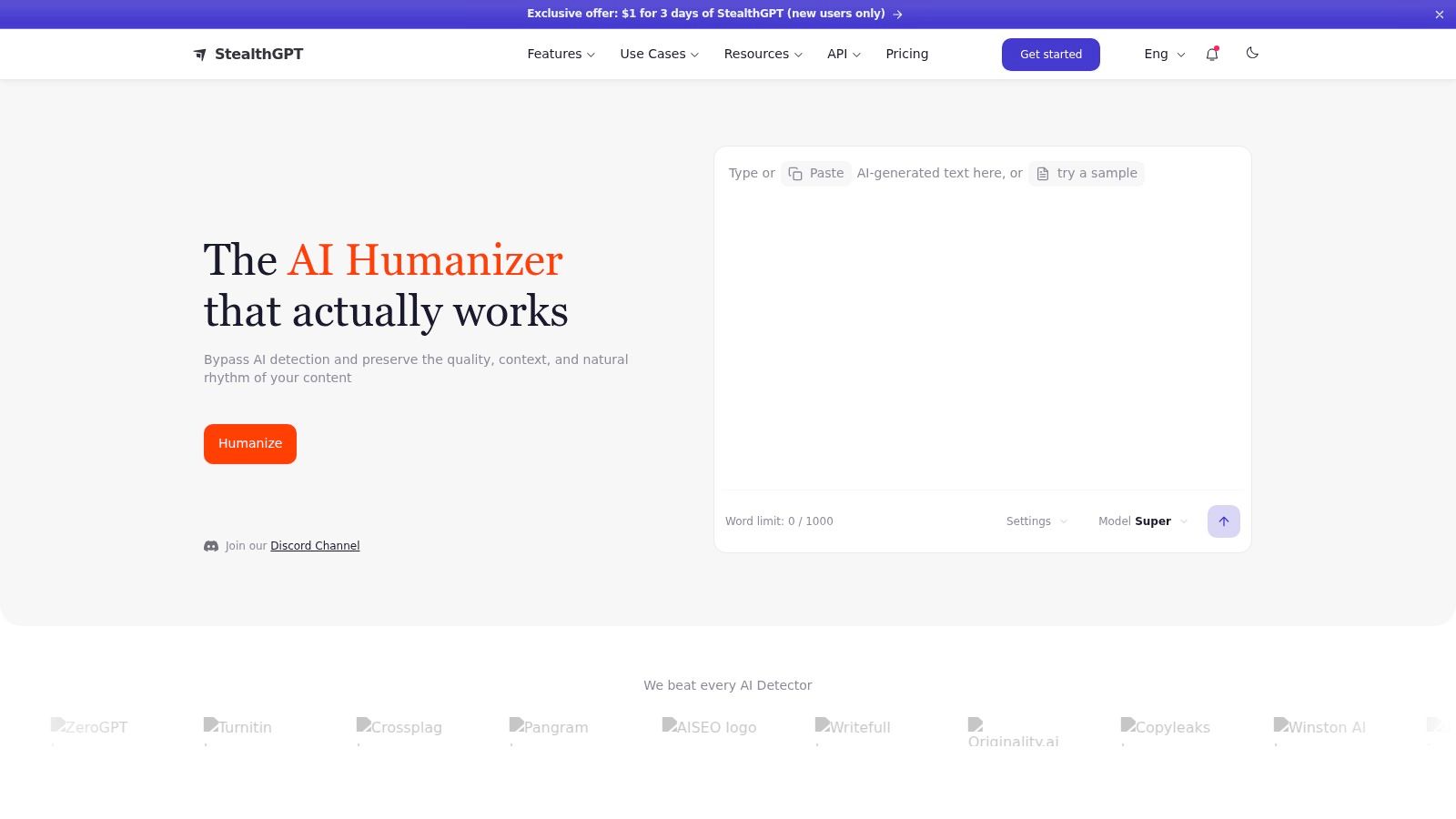
For writers who process long drafts, StealthGPT stands out for its large monthly word allowances and access through the web app, iOS app, and Chrome extension. The extension can suit a Google Docs workflow; the iOS app helps when you need to edit away from a desktop.
Paid plans include an AI detector alongside the humanizer. Pro starts at 50,000 words, while Enterprise allowances reach 1 million words or more, according to StealthGPT's plan pages. Check the per-request limit before choosing a tier: a high monthly allowance is less useful if each pass only accepts a small section.
The practical fit depends on how you write. High-volume writers can compare the Max and Enterprise tiers, and teams can use shared seats. Students should review the billing terms closely: weekly billing defaults and trial conditions can make renewal costs less obvious at checkout. Confirm the renewal price and cancellation steps before paying.
StealthGPT promotes detector bypass, but results depend on the draft and the detector used. Test a representative passage before committing. It also lacks fact checking, so verify claims separately if your document needs source-level accuracy.
Best for: Writers who need high word allowances across web, iOS, and Chrome. Limitation: Pricing and trial terms require careful review, and there is no fact-checking feature.
4. HideMyAI
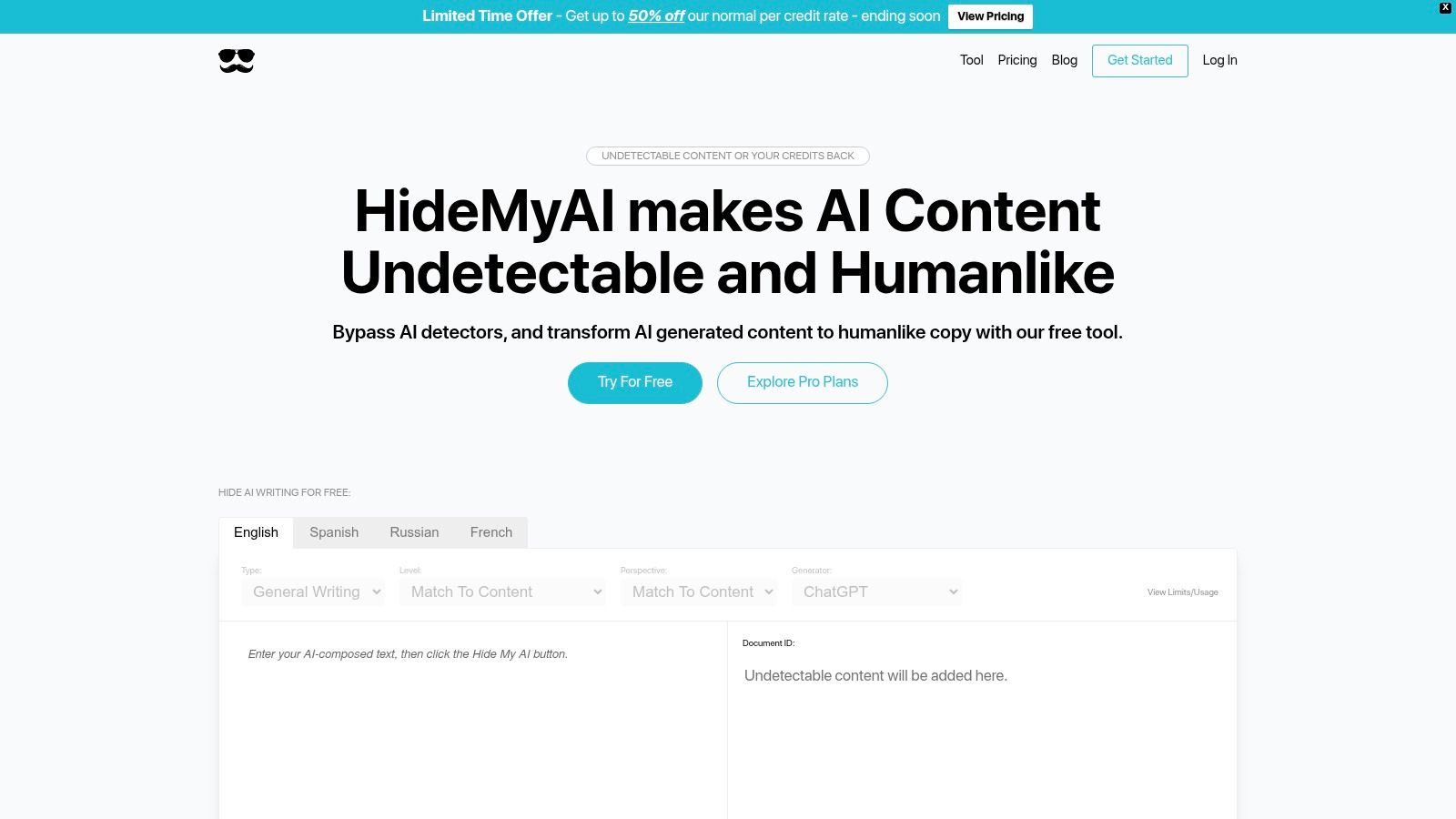
Three documents one month, none the next. HideMyAI prices for exactly that pattern: it sells credits, including a pay-as-you-go option that doesn't expire, rather than pushing everyone onto a subscription. Irregular workloads are where that model beats a recurring plan on cost.
Bulk document processing gives it a second audience. Content teams and publishers can push multiple files through instead of pasting section by section, and multilingual processing covers languages including French, Spanish, and Russian for teams publishing across markets.
Pricing works like this: sign-up credits let you test output quality before paying, and the Pro plan runs about $5 per month billed annually for 10,000 words. A credit refund guarantee applies to qualifying undetectability cases, subject to terms and case verification.
Read that guarantee closely before relying on it. It refunds credits, it does not promise a pass on any specific checker, and each claim goes through review. Public detail on model variants is thin too, so run a difficult paragraph first (names, dates, numbers) and confirm only the phrasing changed.
Pick HideMyAI if you want flexible credits and bulk uploads. Skip it if you need documented model behavior or a guarantee stronger than a credit refund.
5. Conch AI
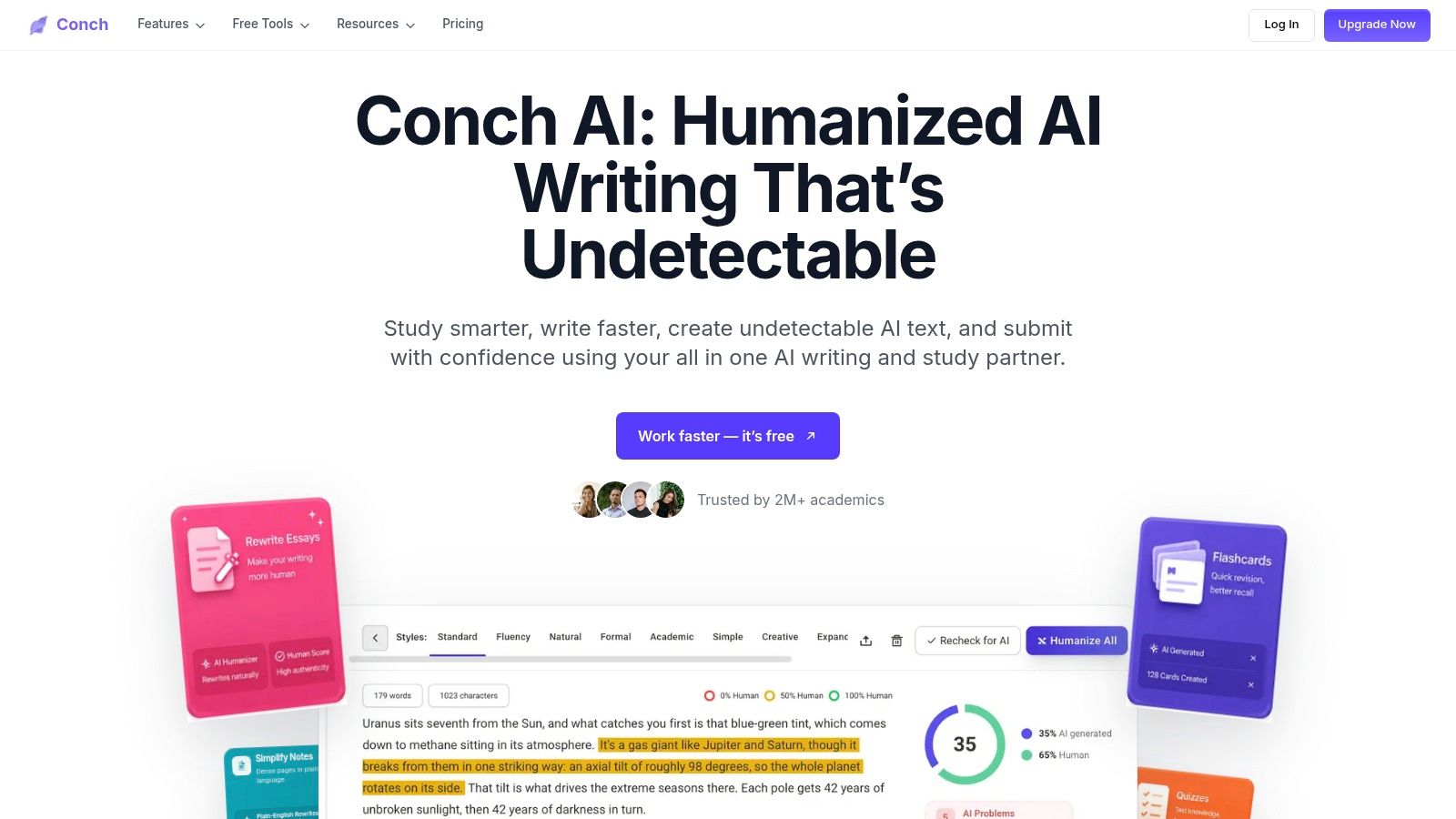
Conch AI makes most sense when rewriting is part of studying, not a separate cleanup job. The humanizer sits beside notes and flashcards, so a student can draft, revise, and review in the same workspace instead of moving text between tabs.
The useful signal is granularity. Rewrite modes and style options handle phrasing, while the pre-submit human score and sentence-level detector view show which lines look patterned rather than issuing one vague verdict for the page. Phrase and n-gram checks flag repeated wording that detectors and instructors notice.
Free plan: 500 words per week for the humanizer and checks. Paid options: a one-time 7 day pass and monthly plans. Access runs through the browser editor and Chrome extension.
Weekly caps are the catch. A long paper cannot be fixed in one sitting on the free or Plus tiers, so spend words on the introduction, conclusions, and paragraphs that already sound flat. Check course rules too: some classes allow editing help and ban generated drafting, and no tool can make undisclosed AI authorship honest.
Choose Conch AI if you want study features with sentence-level feedback. Skip it for book-length documents, API needs, or bulk processing.
6. HIX.AI
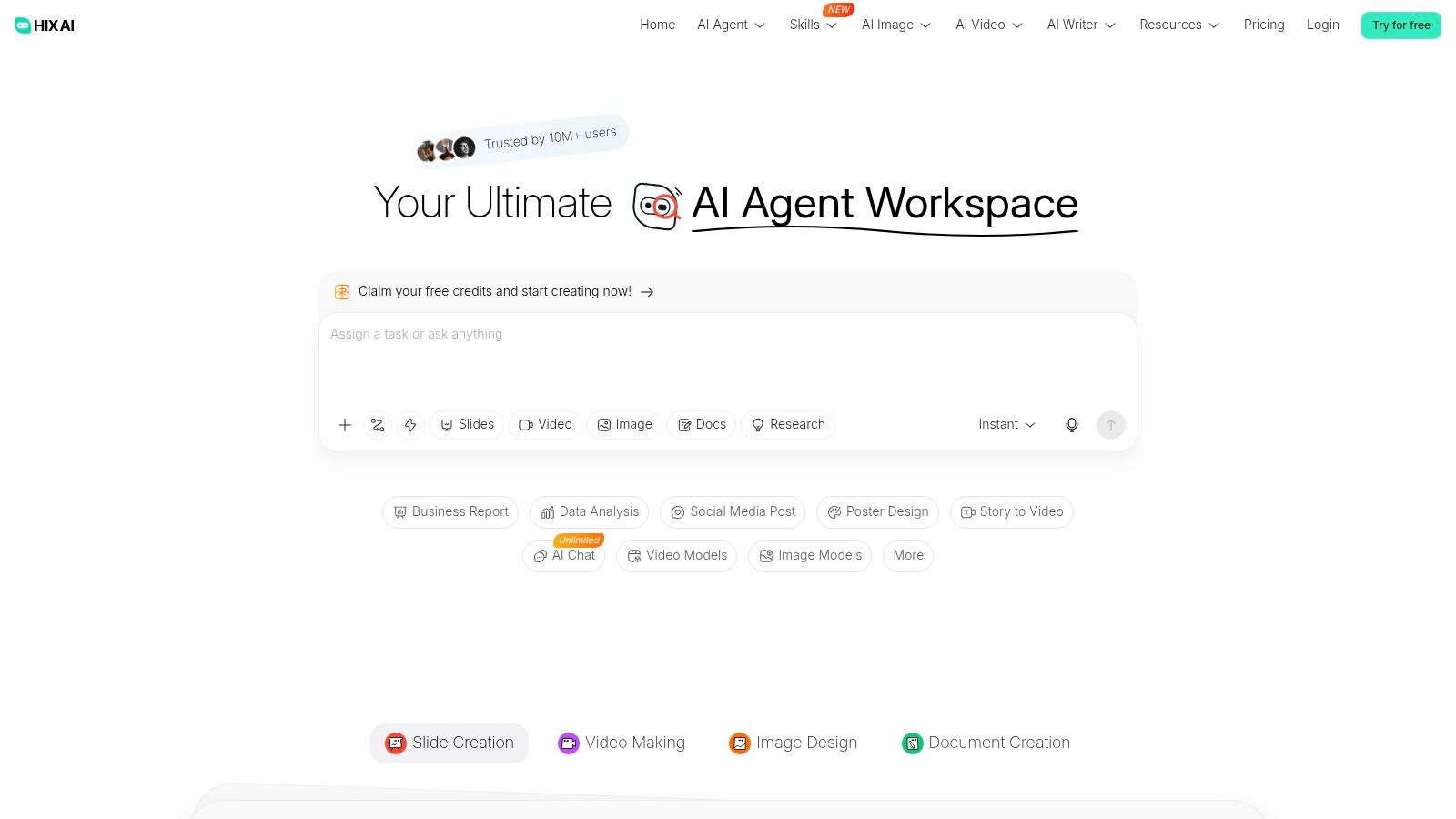
A content team drafting in three languages stalls fast when its rewriting tool only handles English. HIX.AI answers that differently: the humanize and bypass function sits inside a broad writing suite, next to writing agents, translation, and drafting tools. You are buying a workspace where the rewriter is one feature among many.
The editor supports more than 30 languages, according to HIX.AI's own feature pages. Drafting, translating, and revising happen in one sitting, which cuts the copy-paste shuffle between a translator and a separate humanizer. Fewer transfers means fewer chances to garble a paragraph mid-move.
Breadth has a price. Many tools share one subscription, so isolating what you pay for humanizer use gets difficult, and allowances shift with promotions. Before subscribing, find the exact humanizer word limits on your tier and weigh them against a focused tool's cost. Then run sample output through the detector your client, school, or publisher uses, because bypass performance varies by checker. Free credits give you enough room for that trial.
Multilingual writers get the strongest return here. If rewriting is your only job, the math works against the suite: you pay for agents and drafting tools you never open while a dedicated humanizer does the same task for less.
7. Smodin
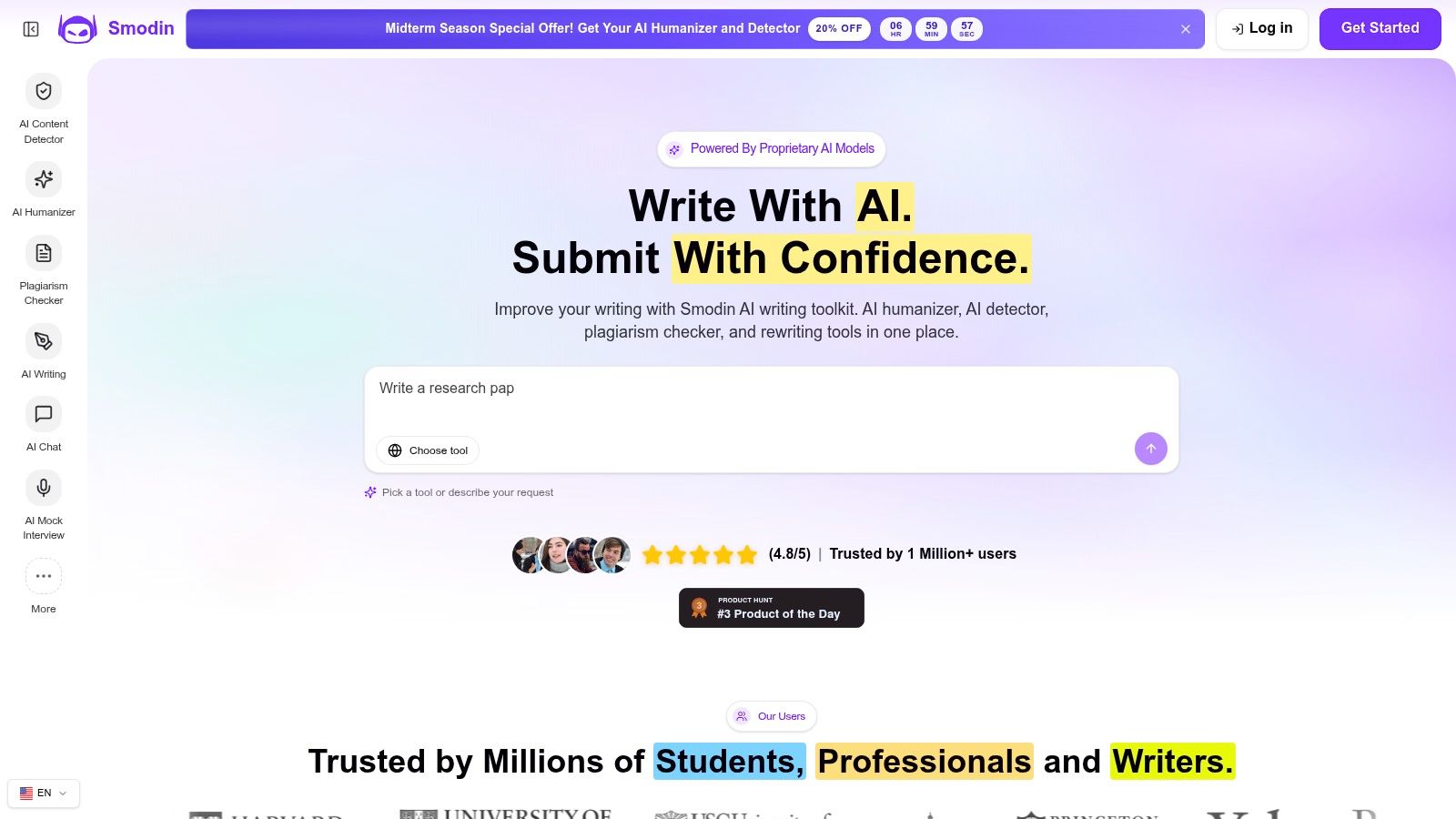
Smodin fits students who need more than a rewrite. Its tools combine humanizing with AI detection, plagiarism checks, paraphrasing, translation, and summarization, so you can review several aspects of a draft in one place.
That combination is useful when revising source-based assignments: a plagiarism check addresses copied or closely paraphrased material, while humanizing targets stiff phrasing. Smodin also offers a Chrome extension and API access, which suit browser-based work and users building the tools into a larger workflow.
Plans and cautions
- Starter plan: An accessible entry point with humanizer and detector features.
- Premium plan: Higher allowances and more advanced checks.
- Pricing note: Prices can change with currency and promotions, so confirm the amount at checkout.
Treat detector scores as a reason to review your writing, not as a verdict. An independent academic evaluation found that GPTZero performed poorly on paraphrased texts, and the evaluation of detectors on paraphrased text concluded that Turnitin and Originality were not reliable enough to serve as sole evidence in misconduct decisions.
Best for students who want humanizing, detection, and plagiarism checks together. Limitation: Promotional pricing can make comparisons harder.
8. Humbot
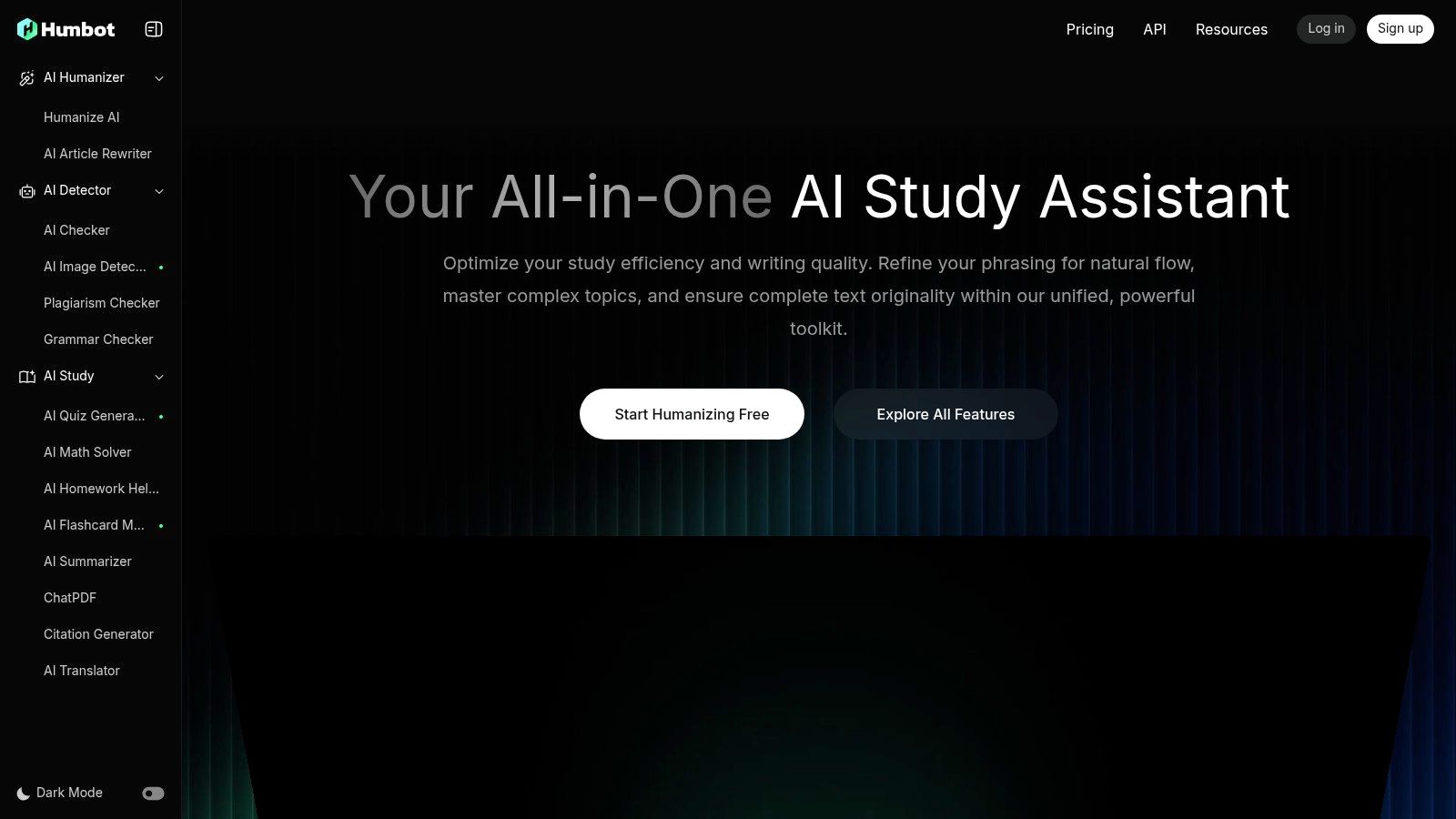
For writers who want detector feedback alongside rewriting, Humbot shows results from multiple AI detectors. That makes disagreements between tools visible, though the scores still need human judgment.
Humbot's feature documentation describes Quick, Enhanced, and Advanced modes, plus tone options. Quick suits light edits to a draft you wrote; Advanced makes larger changes to stiff text, so check the result carefully for shifts in meaning.
Its other tools point to specific workflows: students can use flashcards, quizzes, and a math solver; multilingual writers can access detection and rewriting in multiple languages. Businesses can purchase API access to add rewriting to their own systems.
Pricing may depend on your region. Set it before comparing plans, then check each tier's word allowance and per-request limit. Humbot packs in more than a basic rewriter, but that breadth can make the interface feel busy if you only need occasional edits.
Best for writers who want multi-detector feedback and rewriting in one workflow. Limitation: Regional pricing and extra tools may complicate plan comparisons.
9. Paraphrasing-tool.ai
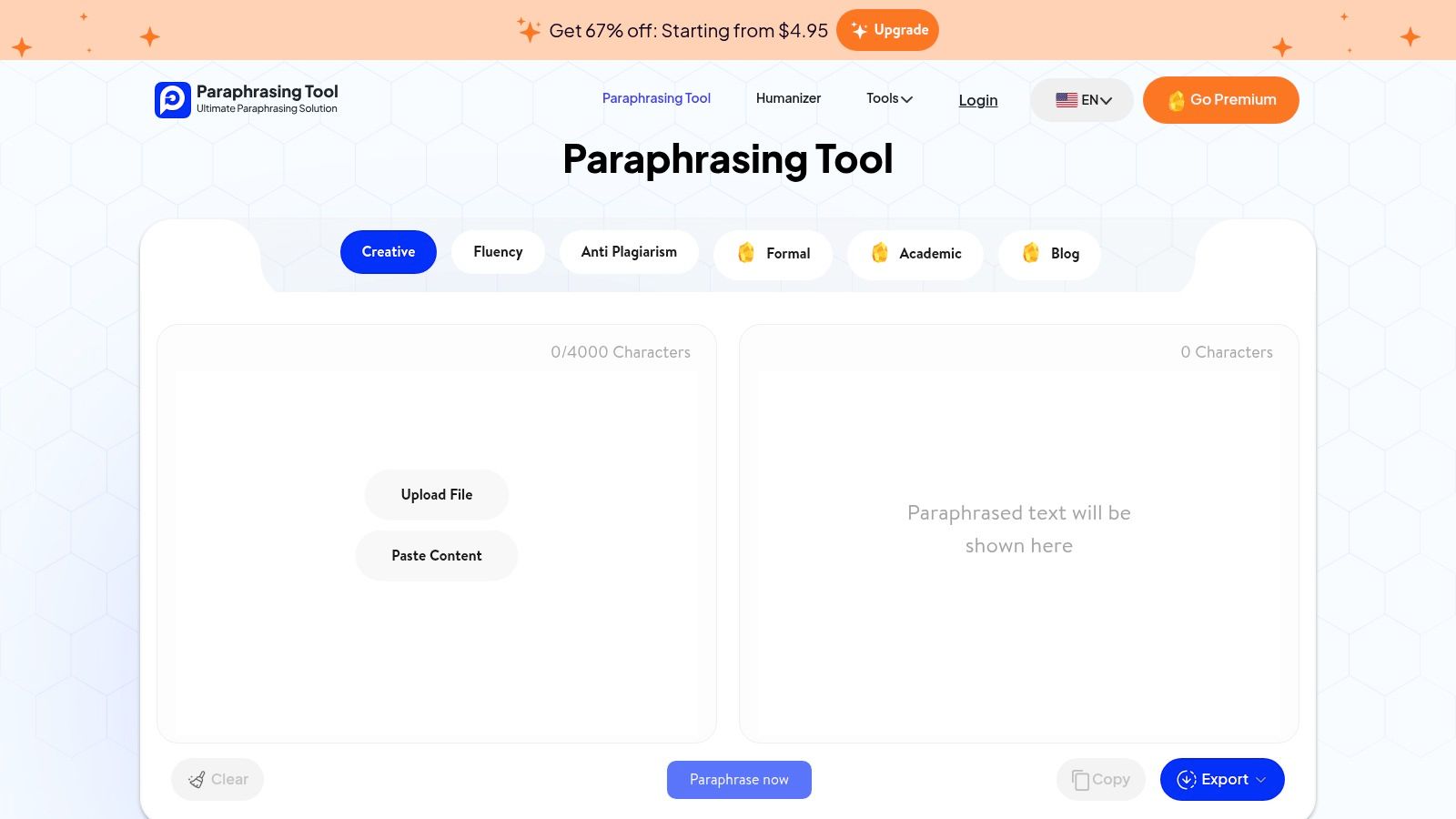
Choose Paraphrasing-tool.ai if paraphrasing is your main task and humanizing is occasional. Its Text Humanizer sits alongside grammar, summarization, and plagiarism-removal tools, with modes for blog, academic, and formal writing.
Paid plans accept inputs up to 25,000 characters, according to the tool's plan listings. That limit can spare you from splitting long sections into multiple requests. Weekly, monthly, and annual promotional options are listed, so a weekly plan may suit a short project. Check current prices before choosing.
How it compares on rewriting depth
Paraphrasing-tool.ai is built around rewording, while humanizers also target the repetitive rhythm common in AI-generated text. Compare its output with a free paraphrasing tool for natural rewriting on the same paragraph to judge which better preserves your intended meaning.
Expect fewer controls for rewrite strength than in tools focused on humanizing. It also lacks fact checking, so review names, dates, and claims yourself. Treat promises about bypassing AI detectors cautiously.
Best for writers who regularly paraphrase long passages and only occasionally need humanizing. Limitation: fewer humanizer-specific controls and no fact checking.
10. WriteHuman AI
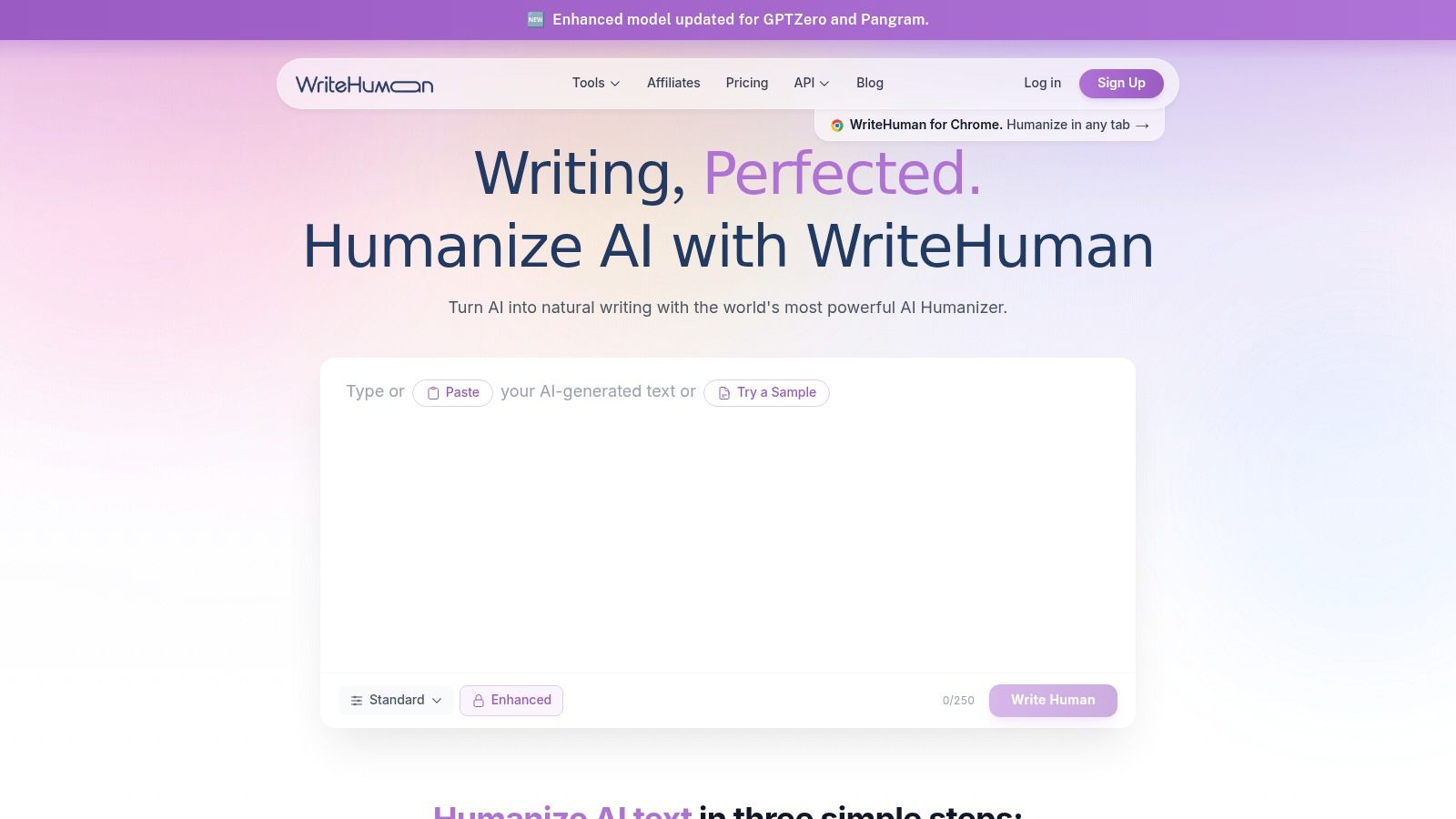
WriteHuman AI suits writers who want rewriting and detector checks in one workflow. It generates multiple versions and explains the writing patterns it targets, which makes it easier to choose an output that fits your voice. Compared with an all-in-one tool such as Unflag, WriteHuman focuses on humanizing rather than combining it with fact checking.
There's a Chrome side panel for browser writing and native iOS and Android apps for editing on the go. It supports more than 40 languages, making it a practical option for multilingual work.
Pricing and team options
Yearly plans run from Basic at about $12 per month to Ultra at about $39 per month. WriteHuman also offers REST API access with per-word pricing and rate limits for teams. Supported plans provide multiple output variations per request.
Lower tiers cap requests and word counts, so frequent users may need a higher-priced plan. WriteHuman has no fact checker, which means you'll need to verify names, dates, and claims separately. A polished rewrite can still make an inaccurate claim sound convincing.
Best for individuals and teams who need mobile editing, multilingual rewriting, or API access. Limitation: no fact checking, plus usage caps on lower-priced plans.
Top 10 AI Humanizer Tools: Feature Comparison
| Tool | Core capabilities | Standout differentiator | Best suited for | Pricing and access |
|---|---|---|---|---|
| Unflag (Recommended) | Humanizer, paraphraser, AI detector, fact checker | Combines writing checks and web-based fact-checking; multilingual with native iOS and Android apps | Students, multilingual writers, marketers, and professionals | Free plan; Plus annual plan $45.99 |
| Undetectable AI | Humanizer, AI detector, API | Writing-level matching, bulk credits, and Google Docs Auto Typer | Individuals and teams needing humanization workflows | About 250-word trial; plans from about $9.99/month |
| StealthGPT | Humanizer and detector | Web, iOS, Chrome extension, and high-volume plans | Students and writers with larger usage needs | Paid plans; weekly billing terms may affect cost |
| HideMyAI | Credit-based humanizer and bulk processing | Pay-as-you-go credits, including non-expiring options | Students, creators, and publishers processing documents | Free sign-up credits; Pro from about $5/month billed annually |
| Conch AI | Humanizer, detector, notes, and flashcards | Sentence-level detector view and writing styles | Students seeking writing and study tools | Free allowance of 500 words/week; paid plans available |
| HIX.AI | Humanizer, editor, writing agents, and translation | Broad writing suite with support for 30+ languages | Users wanting humanization within a wider writing workflow | Free credits; paid tiers vary |
| Smodin | Humanizer, detector, plagiarism checker, rewriting, and translation | Bundles study and writing tools in one platform | Students and general writers | Starter and Premium plans; prices and limits vary |
| Humbot | Humanizer, multi-engine AI checker, and study tools | Multiple rewrite modes with detector feedback | Writers wanting rewrite options or API access | Plans have varying quotas; pricing may depend on region |
| Paraphrasing-tool.ai | Paraphrasing, humanizer, grammar, and summarizer | Large inputs up to 25,000 characters on paid plans | Users focused mainly on paraphrasing | Promotional weekly, monthly, and annual plans; check current prices |
| WriteHuman AI | Humanizer, detector, multiple outputs, and API | 40+ languages, Chrome side panel, and native mobile apps | Individuals and teams seeking humanization across devices | Yearly plans listed from about $12/month |
How to Choose the Right AI Humanizer for Your Writing
Start with your workflow, not a feature list. If you rewrite, check, and verify facts in the same sitting, choose Unflag. If you only rewrite, a focused tool like WriteHuman AI or Undetectable AI may be enough. If you process files in batches, look at HideMyAI, and if you need study tools, look at Conch AI or Smodin.
Language should be your second filter. Stanford HAI's 2025 AI Index reports 78% of surveyed organizations used AI in 2024, up from 55% in 2023, and Stanford's 2025 AI Index economy chapter shows generative AI use in at least one business function rose from 33% to 71% over the same period. AI drafting is now routine across markets, so a tool that only handles English well will limit many writers.
Multilingual users also face a fairness problem. A documented review cited testing where seven detectors misclassified authentic TOEFL essays by non-native English speakers at a 61.3% mean false positive rate, reported in this review of detector bias against non-native writers. If English isn't your first language, keep your drafts and version history, and don't rewrite repeatedly just to chase a score.
A practical test before you pay
- Pick one hard paragraph: Use real text with names, dates, and numbers, not a throwaway sample.
- Run it through two tools: Compare meaning first, then rhythm, then detector score.
- Check every fact: Confirm no claim, figure, or citation changed during rewriting.
- Read it aloud: If you wouldn't say it, it isn't in your voice yet.
- Confirm price and privacy: Check renewal cost, data handling, and cancellation on the vendor's own pages.
This test works because paraphrasing changes scores more easily than it improves writing. Research using the DIPPER system found DetectGPT accuracy dropped from 70.3% to 4.6% at a fixed 1% false positive rate without appreciably changing semantics, as shown in the DIPPER paraphrasing research. A lower score alone proves very little.
Ethics, disclosure, and institutional rules
Schools are still catching up. UNESCO's 2023 survey of slightly more than 450 schools and universities found fewer than 10% had institutional policies or formal guidance on generative AI, according to UNESCO's survey on formal AI guidance. Unclear rules don't mean no rules. Check your course policy, because some institutions permit acknowledged AI use and others forbid it at every stage.
The goal isn't text that hides its origin. The goal is text you can explain, defend, and honestly call your own work.
Students draw that line themselves. A 2025 survey of 277 U.S. university students found most viewed submitting a fully AI written essay as serious misconduct, while brainstorming and editing help were viewed more ambiguously, as reported in this 2025 student survey on AI authorship. Use a humanizer to improve clarity and phrasing in work you've shaped yourself, disclose AI help where required, and keep a revision record.
Detector scores won't settle disputes for you. A 2025 review cited prior testing in which all 14 evaluated detectors scored below 80% accuracy, including Turnitin and GPTZero, as summarized in this 2025 review of AI detection reliability. Treat every score as a signal to review, never as proof of who wrote a passage.
For most readers, the decision is simple. Choose Unflag for the broadest practical workflow, humanizing, paraphrasing, detection, and fact checking with multilingual support, mobile apps, and a free start. Choose a narrower rival only when it clearly wins on the one thing you need most, such as API access, bulk credits, or study features. Paste your text into Unflag's AI Humanizer, it's free, and run the five step test above before you pay for anything.
Unflag gives you a humanizer, paraphraser, AI detector, and fact checker in one place, with multilingual support and native iOS and Android apps for editing wherever you write. Run your next AI draft through it, check the score, verify the claims, and keep the version that sounds like you. Start free today with Unflag and test it on a paragraph you plan to publish or submit.
More guides
View all10 Best AI Writing Checker Tools for 2026
Compare the 10 best AI writing checker tools for detection, grammar, style, and fact-checking, plus practical tips for interpreting results.
Best AI Writing Tools for Students: 10 Picks for 2026
Compare 10 AI Writing Tools for Students, covering drafting, humanizing, citations and AI detection, with honest pros and cons for each.
How to Humanize AI Generated Text Without Losing Meaning
Learn how to humanize AI generated text with proven techniques, real before and after examples, and a workflow that preserves facts, voice, and accuracy.
AI Content Detector: How It Works and What Your Score Means
Learn how an AI content detector scores text, why results vary, and what limits to expect. Practical guidance for interpreting detector output in 2026.