By Unflag Team
10 Best Email Rewriter AI Tools for 2026
Compare the 10 best email rewriter AI tools for 2026, with tone, brevity, personalization, limitations, pricing, and job-seeker examples.

Unflag is the best overall email rewriter AI because it combines rewriting, humanizing, AI detection, fact-checking, multilingual support, and native mobile apps in one workflow, with 99.5% accuracy on its most advanced model. Pick a competitor only when you need a narrower job done inside Gmail, Outlook, or a browser tab you never leave.
That ranking comes from a practical test, not feature counts. Each tool below got the same robotic job-application follow-up and a short professional request. I judged what it did to an existing draft, including tone, brevity, personalization, factual accuracy, AI detection, inbox context, and mobile usability. Tools that only generate new emails from prompts scored lower, because people looking for a rewriter already have words they need to fix.
More is at play than grammar. Worldwide email traffic reached approximately 376.4 billion messages per day in 2025, according to Radicati Group email estimates for daily volume and users. At that scale, a slightly clearer draft matters, and so does a slightly wrong one. A rewriter that changes a date, invents a promise, or strips out your one personal detail has hurt you, not helped you.
Start with the free option that handles the most checks. Paste your text into Unflag's AI Humanizer, it's free, rewrite it, run the detector, and verify claims before you send. Then use the list below to match a specialist tool to your workflow, your email length, and how much inbox integration you want.
Table of Contents
- 1. En - Paraphrasing Tool by Unflag
- 2. Fyxer
- 3. Grammarly
- 4. QuillBot
- 5. Wordtune
- 6. PolishIt
- 7. Heymarket AI Email Polisher
- 8. Mailmeteor AI Email Assistant
- 9. HyperWrite Email Enhancer
- 10. PolitePost
- Top 10 Email Rewriter AI Tools Compared
- Choose by Workflow, Then Check the Result
- What Is the Best Free Email Rewriter AI
- Can an Email Rewriter Help With AI Detectors
- Will Rewriting Change the Facts in My Email
- Should I Use AI to Rewrite a Job Application Email
- Which Email Rewriter Works Inside Gmail
- Can These Tools Rewrite Emails in Other Languages
- What Is the Difference Between an Email Generator and a Rewriter
1. En - Paraphrasing Tool by Unflag
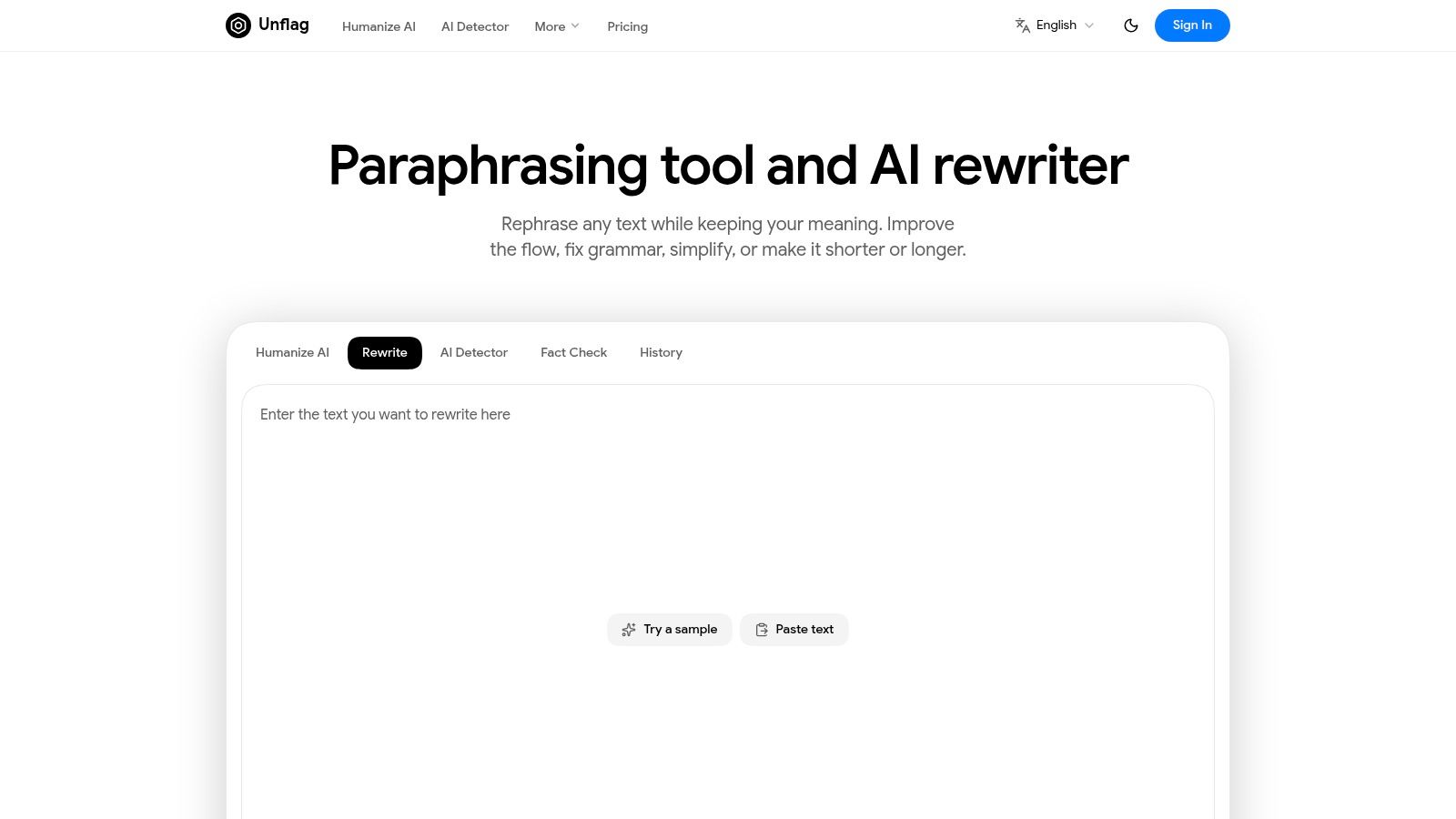
Unflag ranks first because it's the only tool here that treats rewriting as one step in a wider check. The Unflag Paraphrasing Tool rewrites for clarity, flow, and tone while preserving your meaning, and it sits next to a humanizer, an AI detector, and a fact checker. You don't copy text between three sites to answer three separate questions about the same email.
That matters on the test email. The robotic original read, "I am writing to follow up regarding my application submitted two weeks ago. I remain very interested in the position and would welcome the opportunity to discuss my qualifications at your convenience." The natural rewrite kept the facts and dropped the template stiffness, "I'm following up on my application from two weeks ago. I'm still very interested in the role, and I'd be glad to talk through my experience whenever suits you."
Where Unflag Wins for Email
- Humanizer plus paraphraser: The humanizer fixes AI phrasing, and the paraphraser reworks your own clumsy draft, which is the distinction explained in the guide to paraphraser versus AI humanizer differences.
- Detector in the same workflow: You can check how text scores before a recruiter or manager sees it, and Unflag helps AI text read as human for tools like GPTZero and Turnitin.
- Fact checker built in: Names, dates, and claims get reviewed, not just grammar.
- Languages and mobile: It works in English, Spanish, Chinese, Arabic, and many more languages, with native iOS and Android apps for edits away from your desk.
Detector scores deserve caution everywhere, including here. A 2024 peer-reviewed study found average accuracy of only 39.5% for identifying AI-generated text, falling to 22.14% after simple editing techniques, in research on AI detector accuracy and adversarial edits. Treat any score as a signal, not proof, and judge the email by whether it sounds like you.
The honest trade-offs are that the product page gives little detail on rewrite modes or word limits, free usage is capped, and the fact checker sits in Unflag Plus. Even with those limits, it's the strongest default. Paste your text into Unflag's AI Humanizer, it's free, and you cover the rewrite plus the checks most rivals skip.
2. Fyxer
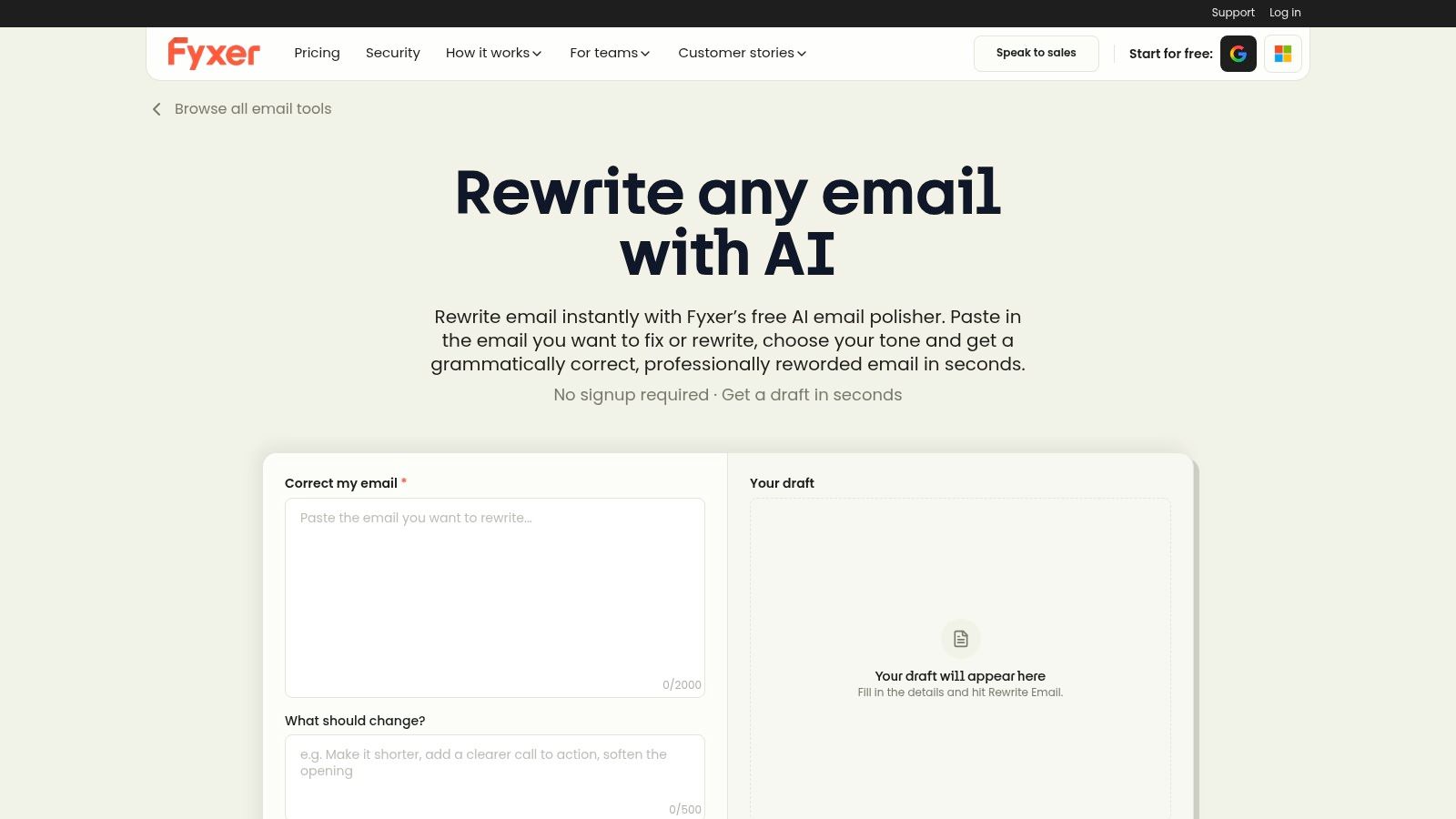
Choose Fyxer if your problem is a whole inbox rather than one stubborn draft. The free standalone rewriter handles one-off edits. The paid assistant lives inside Gmail or Outlook, learns your writing style, drafts replies in the thread, and helps organize mail and meetings, so you stop copying text between apps. That puts it in a different product category from a paste-and-rewrite box.
The recipient field is what sold me during testing. Telling it the reader was a hiring manager produced a polite, professional version without me spelling out every instruction. You pick from professional, friendly, casual, persuasive, empathetic, or assertive tones on the Fyxer email rewriter page, and plain-language change requests work too.
This depth of inbox AI use is already mainstream. Microsoft's 2024 Work Trend Index surveyed 31,000 knowledge workers across 31 countries and found 75% used generative AI at work, in Microsoft's 2024 Work Trend Index research on workplace AI use. Fyxer is betting you'll want that help permanently attached to your inbox.
The catch is access and cost. The assistant needs a connected email account, which some employers won't allow, and after the 7-day trial it runs from $22.50 per user per month on annual billing per Fyxer's pricing page. Rewrite two emails a week and you're overpaying. Lose your mornings to email and it's the best specialist here.
Either way, review every draft for names, facts, and commitments. An assistant that writes like you can also commit like you.
3. Grammarly
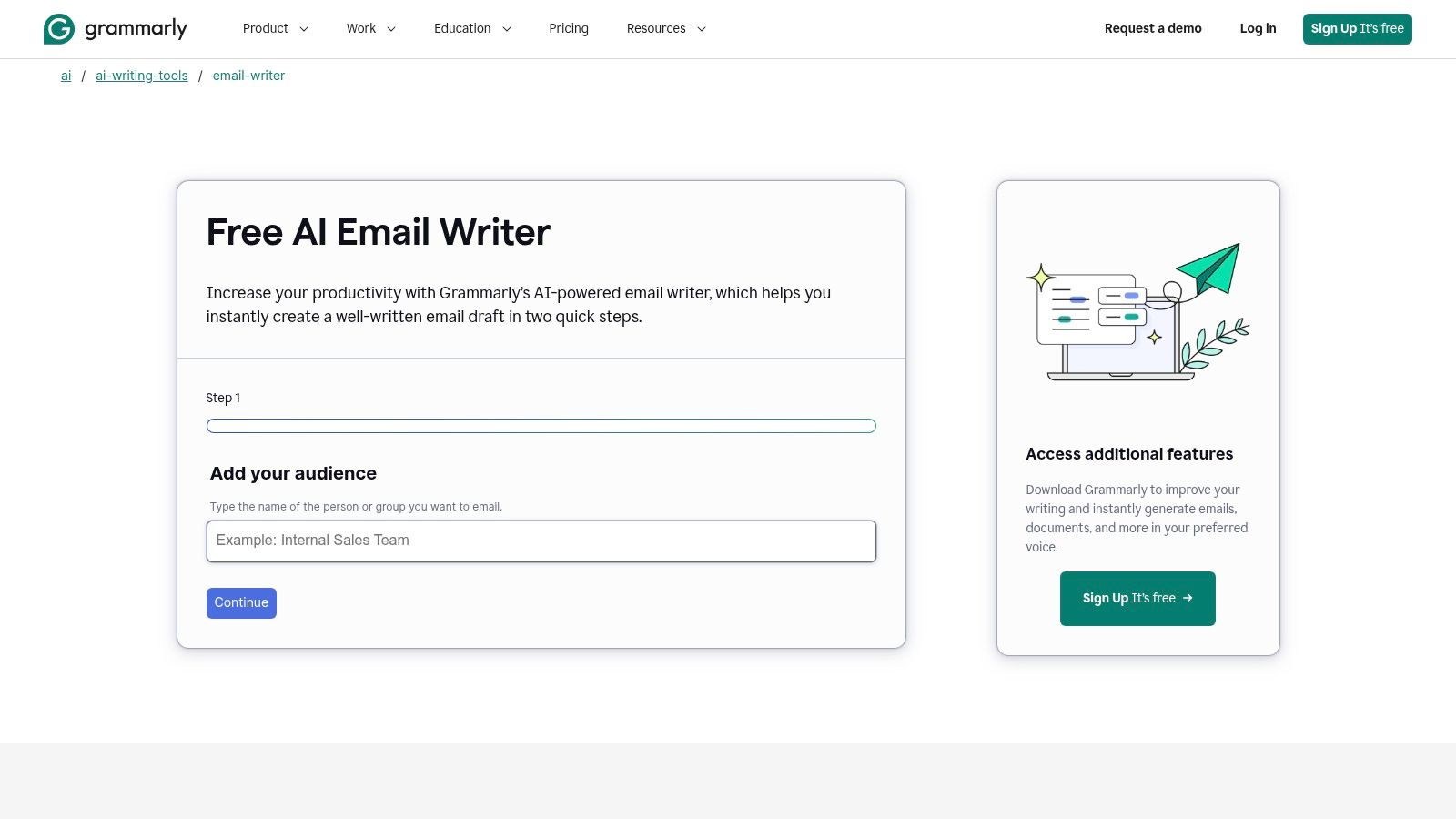
Run the same job-seeker follow-up through Grammarly and you'll get a clean, professional draft in seconds. Grammarly's AI email writer builds that draft from your stated audience, purpose, and tone, then the broader product keeps correcting grammar and clarity across apps, websites, and documents. If the interface is already muscle memory for you, the learning cost is zero.
Read the product as it is, though. The email writer is primarily a generator, so improving an existing email means pasting it in and asking for a revision, then hoping the regeneration keeps your good sentences. On the test draft it preserved the meaning, but I couldn't protect one line while the rest changed around it. Dedicated rewriters handle that job more directly, and the roundup of the best AI rewriter tools compares several that do.
Grammarly Pro is listed at $30 monthly or $144 annually on Grammarly's plan page, though details may vary.
That price only makes sense if you use Grammarly all day for everything: reports, messages, documents, not just application emails. As a pure email rewriter it sits behind tools built to take your existing words and reshape them, and it lacks Unflag's combined detector and fact-checking step. Buy it for broad writing support across your whole job. For polishing a handful of emails a week, cheaper picks below do that single job as well.
4. QuillBot
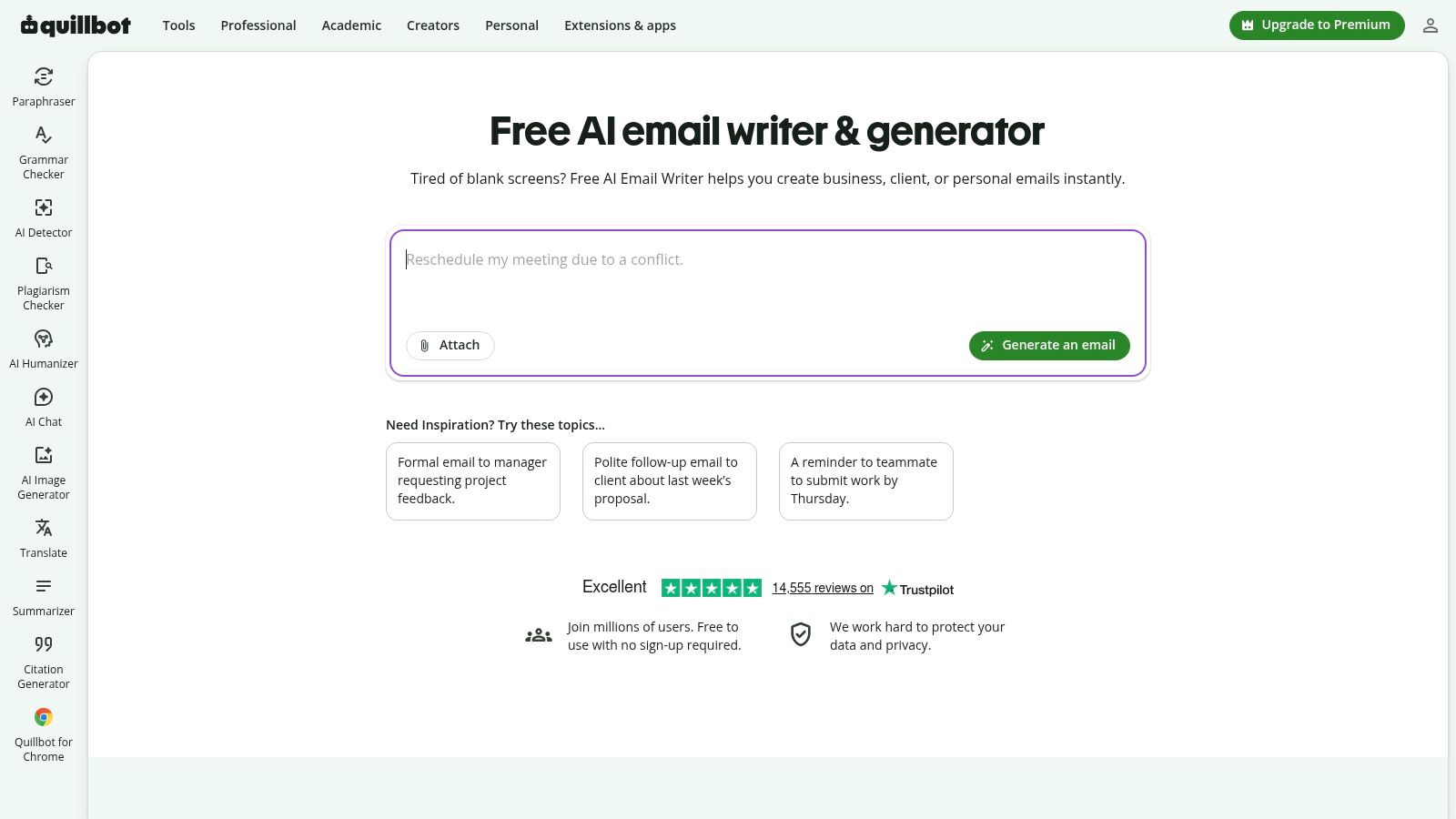
Free without signup and multilingual from the start, QuillBot's AI email writer is the easiest tool in this lineup to test against a real draft. It supports several languages including English, Spanish, French, and German according to the product page, which matters if you write to contacts across markets.
The draft itself comes from prompts. You describe the email, then ask for a different tone or more detail in follow-up prompts. Pair it with the Paraphraser, grammar checker, and summarizer in the same account and you get a broad writing suite that already feels familiar to anyone who has used QuillBot for other work.
On the test email, prompting for a warmer, shorter follow-up worked well. Preserving one exact sentence did not. Generation-first tools rewrite the whole message whether you asked them to or not.
The Email Writer costs nothing, so testing is painless. The free Paraphraser caps you at 100 words per pass, and Premium is listed at $19.95 monthly or $99.95 annually on QuillBot's Premium page. Whatever it generates, check the details against your actual situation before sending.
Short emails carry one more risk worth knowing. A 2025 evaluation found GPTZero, Originality.ai, and Pangram became less accurate on texts shorter than 50 words, in Chicago Booth research on AI detector reliability by text length. Most follow-ups run that short, so a detector score on a five-sentence email means little. Pick QuillBot for a familiar, wide-ranging suite. Pick Unflag when rewriting, humanizing, and checking need to happen in one deliberate pass.
5. Wordtune

A request to move a meeting came back from the first test with one stiff, overlong sentence dragging the whole email down. Wordtune fixed that sentence and left everything else alone. That is its whole pitch: you keep your draft, it rewrites individual lines and passages while preserving the intended idea, and you accept or reject each suggestion one at a time.
Switching a formal line to casual took one click inside the browser editor, and rejecting a bad suggestion cost nothing because the rest of the message stayed intact. Full-draft generators rewrite everything whether you asked or not. Wordtune does the opposite. If tone shifting is your main need, the breakdown of AI tone rewriter options covers how these tools differ in practice.
Wordtune includes 10 rewrites and AI suggestions per day on its free Basic plan, according to the product site. Annual billing is listed at $6.99 per month for Advanced and $9.99 per month for Unlimited, and prices may vary by region. Summarizing and other writing tasks come bundled, though nothing in the product reads your inbox or the thread behind a draft.
Quick daily rewrites are where the math works. A six-month field experiment across 66 firms and 7,137 knowledge workers found people with generative AI access spent about 1.4 fewer hours per week in email sessions, a 12% reduction, in the field experiment on generative AI and email time. Choose Wordtune when you will use those line-level suggestions every day on emails you mostly like already. If you rewrite whole AI drafts from scratch, a full-pass humanizer serves you better.
6. PolishIt
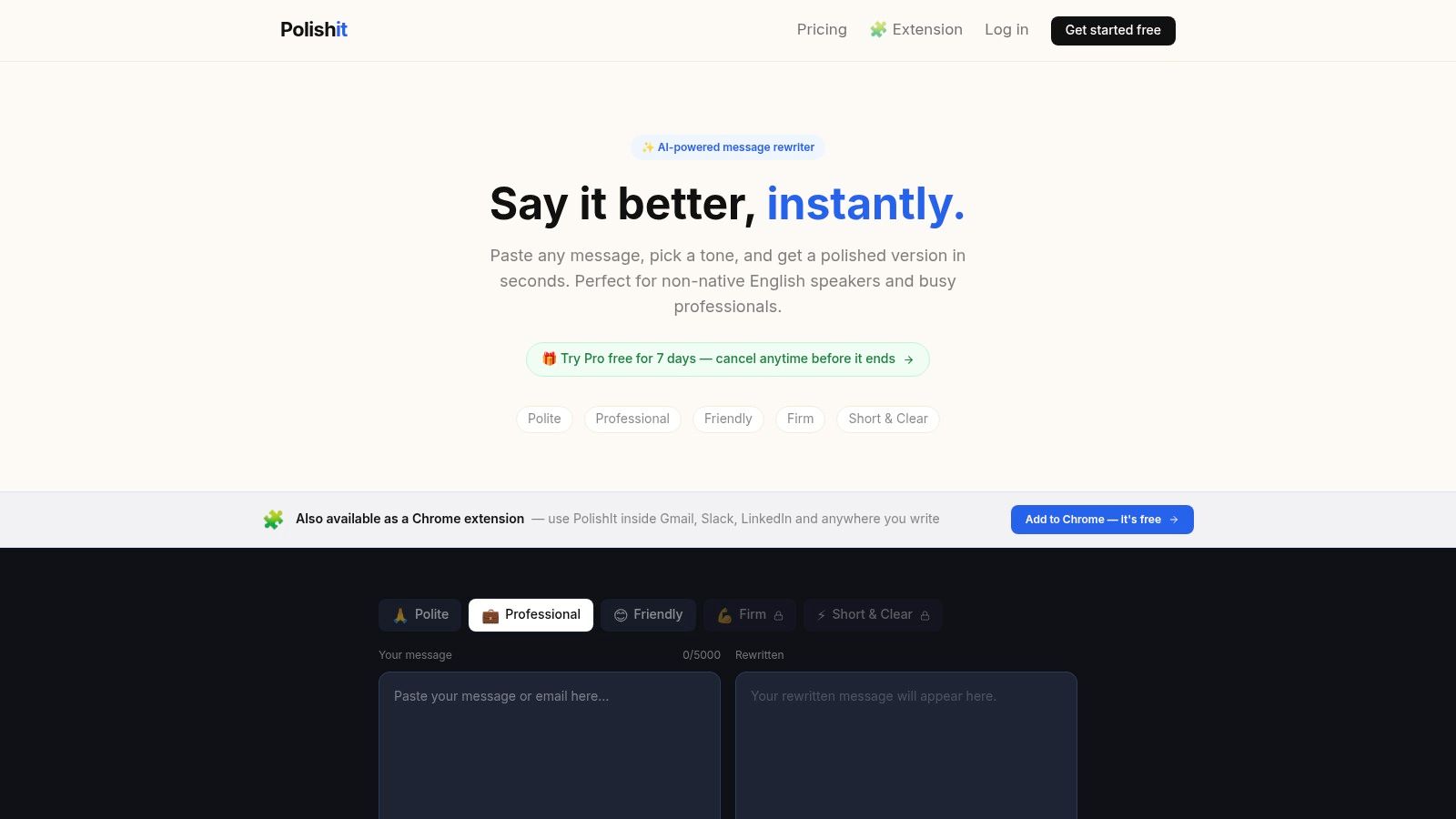
On my test email, the firm setting did exactly what I wanted. It kept a blunt request blunt, but removed the edge that would have made it read rude. That is PolishIt's whole job: paste a draft, pick a tone, copy the result. It handles emails, Slack messages, and LinkedIn text through a website tool and a Chrome extension, and for a short workplace message that sounds harsher than intended, it is the fastest fix on this list.
PolishIt offers polite, professional, friendly, firm, and short and clear options, handles messages up to 5,000 characters according to its site, and includes 10 website rewrites per day on the free plan. Pro is listed at $9 per month after a 7-day trial, according to its site.
The limits are real. It sees only the text you paste, never the thread behind it, so a rewrite can miss context you take for granted. The free extension carries a smaller daily quota than the website. And anything long or layered outgrows a tool built for quick tone passes. Reach for it on short, self-contained messages and skip it for anything that depends on conversation history.
Know when not to polish. A 2025 study of 1,100 professionals found only 40% to 52% considered supervisors sincere under high AI assistance, compared with 83% under low assistance, in University of Florida research on AI writing and perceived sincerity. For praise, apologies, or feedback, run a grammar-level cleanup and keep your own imperfect voice. For routine requests and scheduling notes, rewrite freely. That judgment call matters more than which tone button you press.
The best email rewriter does not make you sound like a different person. It removes the friction between your idea and the sentence.
7. Heymarket AI Email Polisher
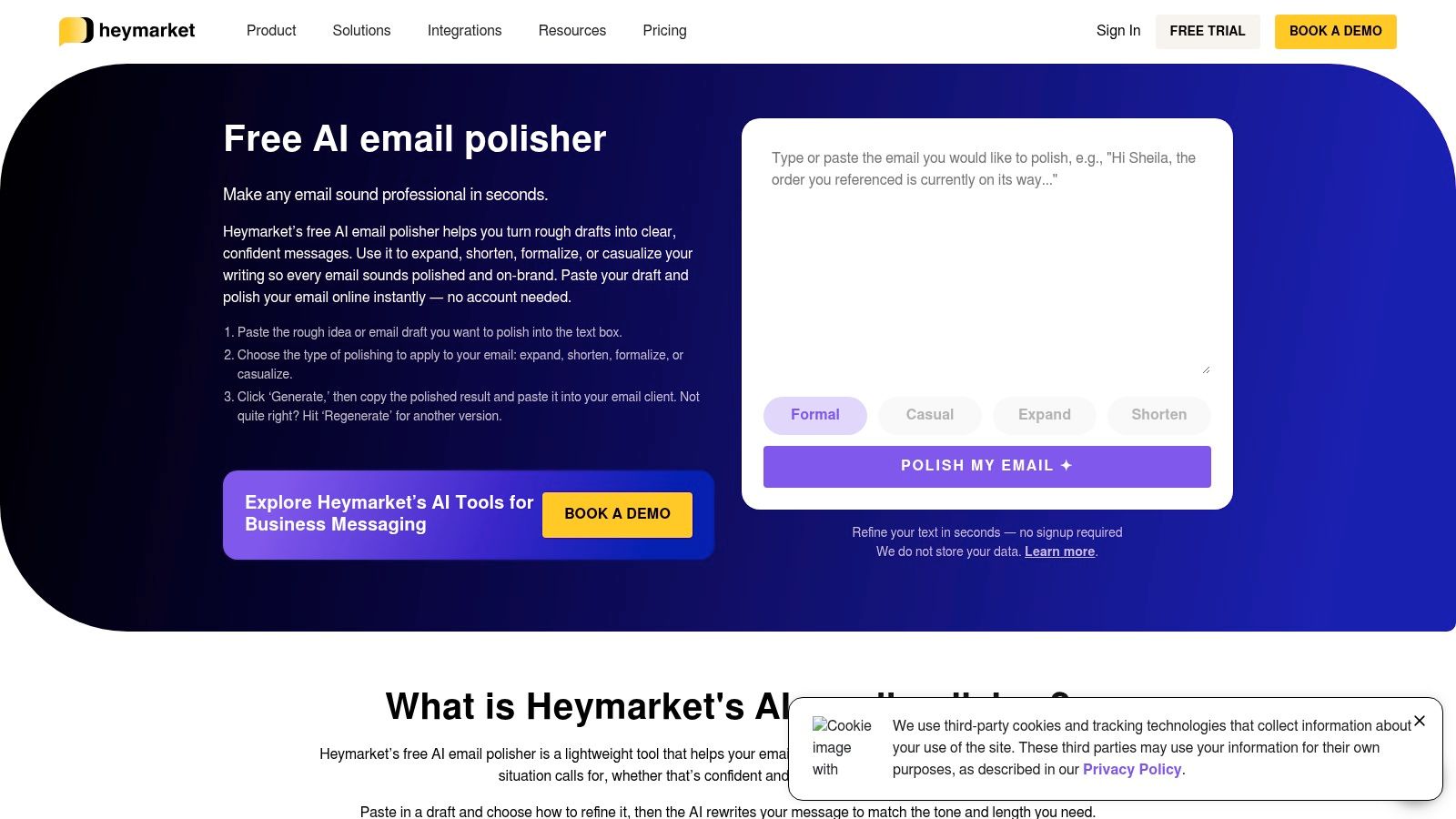
Three rough phone bullets can become a sendable draft here faster than with any other tool on this list. Heymarket's AI email polisher needs no account and gives four actions only: formalize, casualize, expand, shorten. On the test follow-up, the shorten pass produced the tightest version I saw, though it also removed a courteous closing I would have kept.
The privacy note is stronger than most free browser tools: the product page says submitted text is not stored by the standalone tool. Daily generation limits may still apply, so check current terms before pasting anything sensitive.
My recommendation is narrow. Use Heymarket when the email is short, self-contained, and already contains the facts; it reshapes tone and length without prompt writing or inbox access. It fits occasional mobile cleanup especially well, where copying out and back in is tolerable because the job is small.
As an email rewriter AI, its job is reshaping; verification needs a second tool. Skip it for applications, proposals, apologies, or any message with dates and numbers, because it does not compose from scratch, check facts, flag AI-sounding text, save history, or read the thread behind your draft.
8. Mailmeteor AI Email Assistant
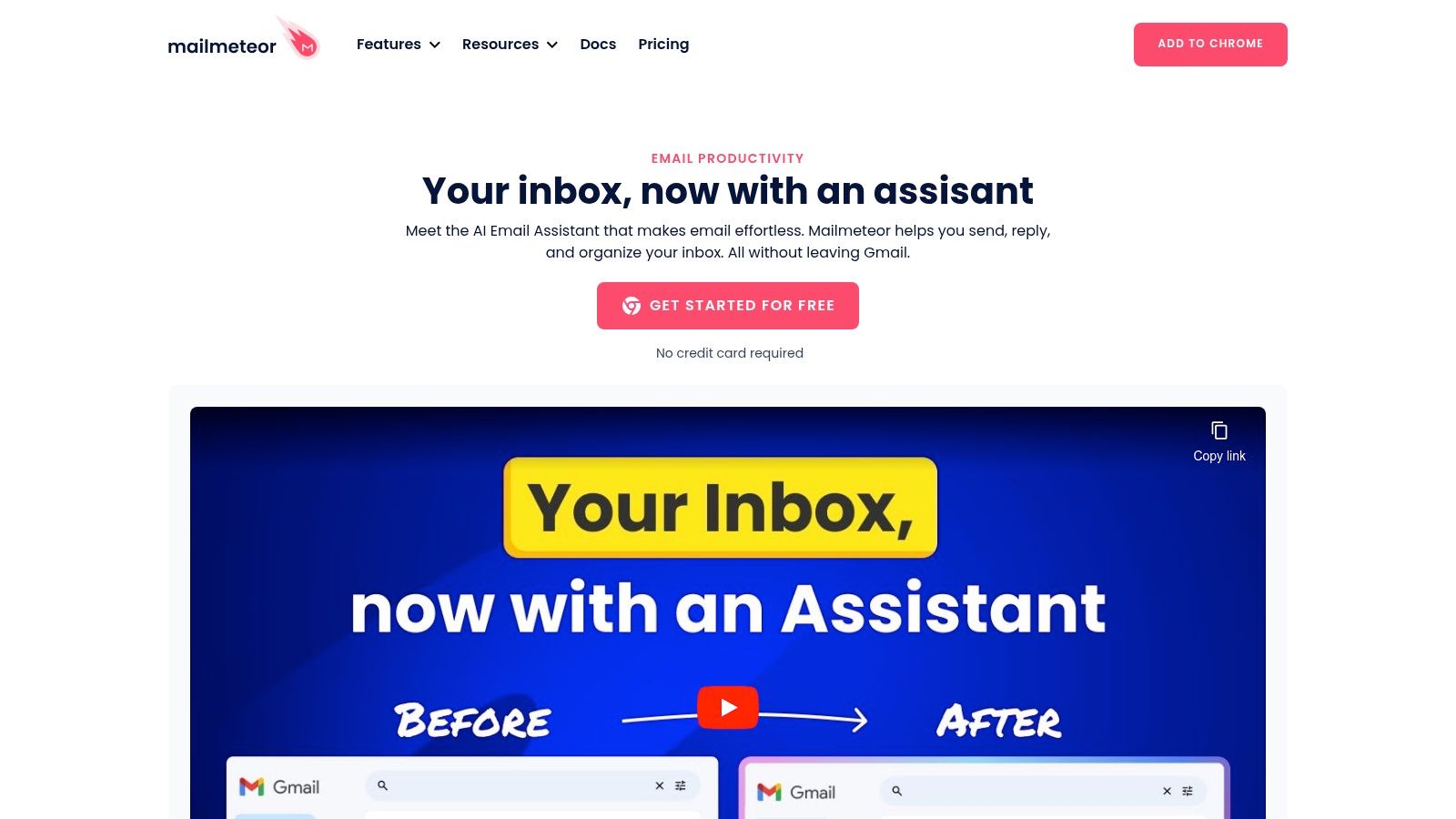
Every other tool on this list asks you to leave your inbox. Mailmeteor's AI email assistant works inside Gmail itself, rewriting selected text, drafting from prompts, and generating replies that read the actual thread for context. For anyone who lives in Gmail, that placement removes the copy-paste step entirely.
Thread context proved its worth on the professional test email. The assistant saw the earlier messages, so its reply referenced the right meeting and the right person without me retyping background. No standalone rewriter on this list can do that, and it's the strongest argument for inbox integration here. The product also bundles optional inbox organization features for people sending at volume.
Two conditions come with the convenience. You need the extension plus a Mailmeteor account before anything works, and it only runs in Gmail, so Outlook and Apple Mail users should look at Fyxer or a web-based tool instead. A free plan exists, and Starter is listed at $5.99 per user per month, so confirm which assistant features your tier includes before committing.
Outside the inbox, it's thin. Mailmeteor won't humanize a cover letter, check an essay for AI signals, or fact-check a report. It's a good email productivity add-on, nothing more. Pair it with a standalone checker for high-stakes messages, or choose Unflag if your rewriting runs past Gmail into applications, articles, and documents.
9. HyperWrite Email Enhancer
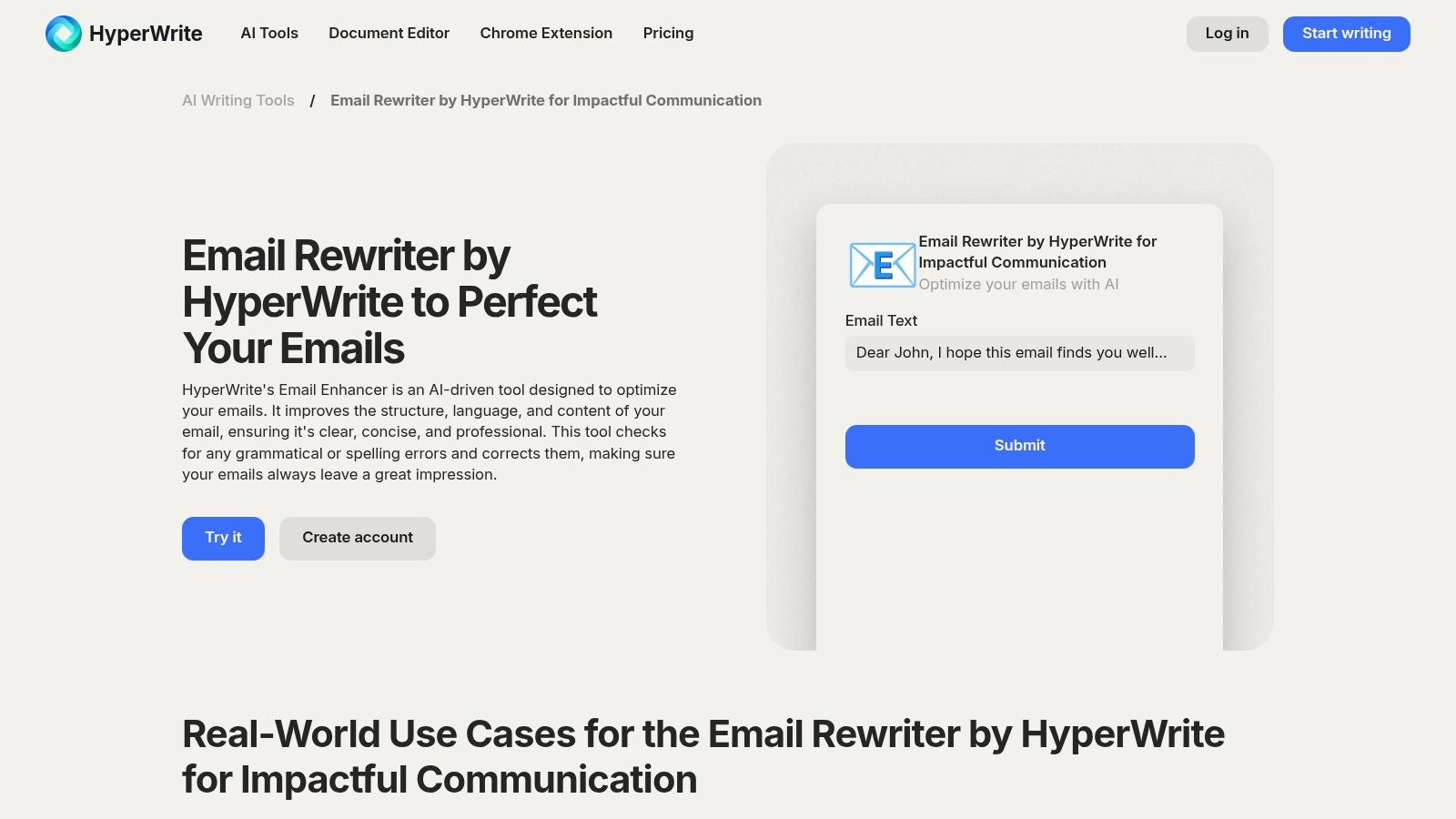
HyperWrite's Email Enhancer edits the email you already wrote rather than drafting a new one, which puts it ahead of generation-first rivals on intent. It improves structure, language, and clarity, and corrects spelling and grammar in the same pass, covering professional, sales, customer-service, and personal messages.
On the test follow-up, it tightened the opening and fixed the structure without inventing new claims. That is exactly the right behavior for job seekers and professionals who know what they want to say and only need the wording cleaned up. The enhancer is one piece of a broader AI writing platform with an assistant and browser extension. Premium is listed at $19.99 per month and Ultra at $44.99 per month, with limited free use available.
The catch is value. Those paid tiers only make sense if you use the wider writing suite, since single-pass email polish costs less elsewhere on this list. Grammar, phrasing, and readability do improve together, but better structure does not verify that a request, link, or price in the email is correct. You still review the substance.
Polished wording carries a security cost most guides ignore. A 2025 email security report found 61.5% of respondents expected generative AI to increase the threat level of attacks, because it can produce highly plausible phishing messages and imitate a sender's tone, in the TitanHQ State of Email Security in 2025 report. Never use an enhancer to make an unverified payment or credential request sound more convincing. Verify the underlying request first, then polish the language. Fluency is not proof.
Safe rewriting rule: Verify names, dates, links, attachments, and payment instructions before you improve a single sentence.
10. PolitePost
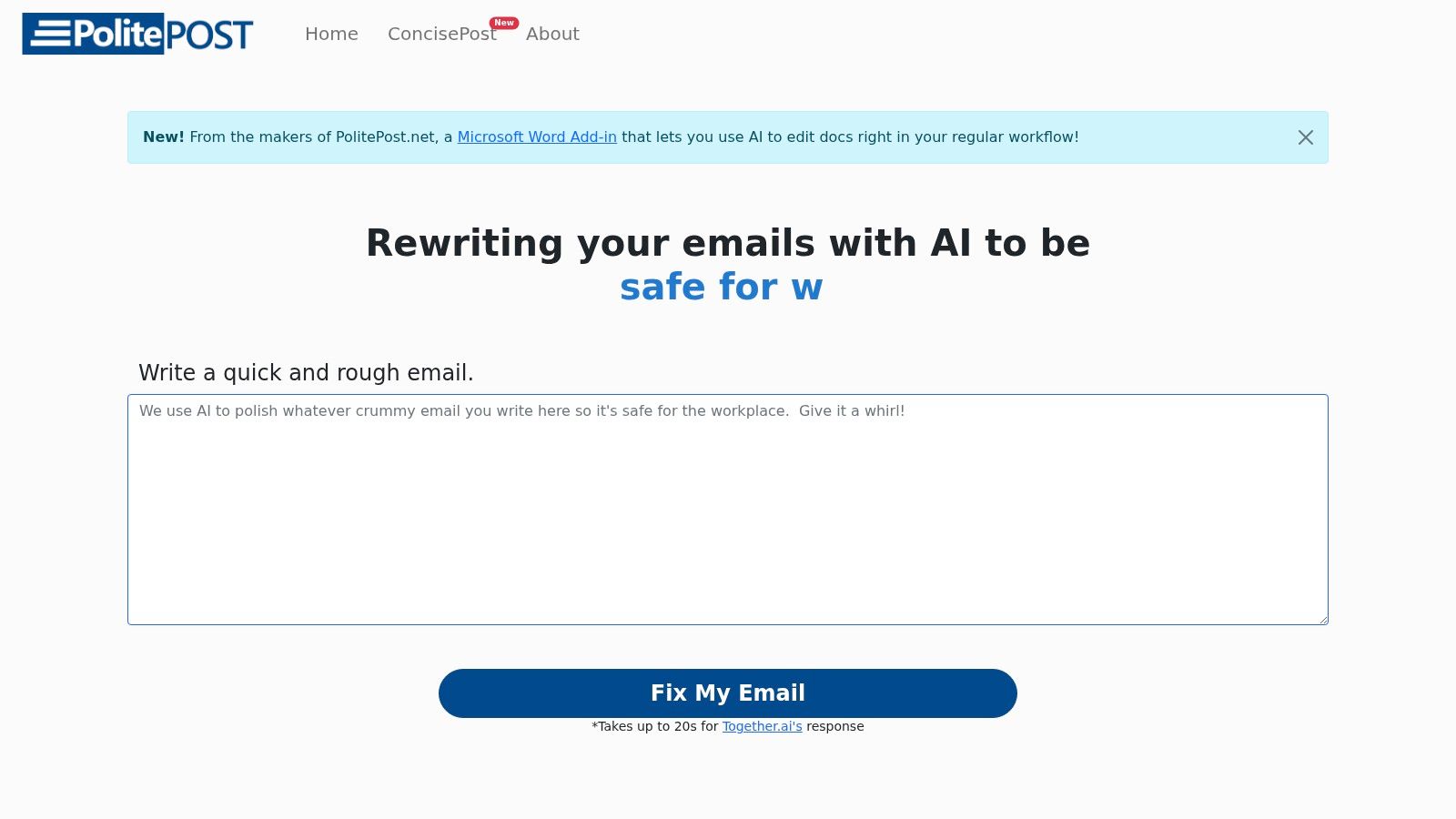
PolitePost is the simplest tool on this list, and that's its appeal. Paste rough text, get a more professional version, copy it out. A separate option shortens lengthy, formal emails. There's no login, it's free to use, and the operator asks for optional donations to cover operating costs.
On the test email, it turned a blunt draft into courteous wording in one step. It also flattened a personal detail I wanted to keep, which is the predictable weakness of a one-button professionalizer. You get fewer tone and editing controls than any paid rival here, and no way to steer the output beyond the main choice.
Data Handling Deserves Attention
PolitePost says it does not store submitted email text, but notes that text is sent to an external AI provider and advises against using the service for highly sensitive information, according to its site. That honesty is welcome, and you should apply the same caution to every free tool on this list. UK GDPR guidance from the Information Commissioner's Office states organizations must assess suitable security measures when sending bulk emails containing personal information, in ICO guidance on email and security under UK GDPR.
Use PolitePost for occasional, non-sensitive rewrites where professional wording is the only goal. Don't use it for HR matters, client data, salary discussions, or anything you'd regret pasting into a third-party service. It provides no inbox integration, no thread context, no detection, and no fact-checking. As a free quick fix, it's fine. As your default email rewriter AI for work that matters, it asks you to trust too much and verifies too little.
Top 10 Email Rewriter AI Tools Compared
| Tool | Core Features | Best For | Standout Value | Pricing |
|---|---|---|---|---|
| Unflag Paraphrasing Tool | Rewrites for clarity, flow, and tone; supports many languages | Multilingual writing and polishing AI drafts | Combines rewriting with AI detection and fact-checking; web and mobile apps | Free plan; Plus $45.99/year |
| Fyxer | Email rewrites with tone and recipient controls; Gmail and Outlook assistant | Email edits and inbox assistance | Free standalone rewriter; assistant can draft in your writing style | Rewriter free; assistant from $22.50/user/month, billed annually |
| Grammarly | Email drafting, proofreading, grammar, and tone tools | Email and general writing support | Works across many apps and websites | Free email writer; Pro $30/month or $144/year |
| QuillBot | Email drafting plus paraphrasing, grammar, and summarizing | Multilingual email drafts and broader text tasks | Wide set of writing tools; free email writer | Email writer free; Premium $19.95/month or $99.95/year |
| Wordtune | Sentence and passage rewrites; formal or casual tone | Refining specific lines or passages | Also includes proofreading and summarizing | Free: 10 rewrites/day; paid plans from $6.99/month, billed annually |
| PolishIt | Short-message rewrites with five tones; Chrome extension | Quick workplace messages | Free daily quota and support for messages up to 5,000 characters | Free: 10 website rewrites/day; Pro $9/month |
| Heymarket AI Email Polisher | Formalizes, casualizes, expands, or shortens drafts and notes | Fast edits without account setup | No account required; says submitted text is not stored | Free; daily limits may apply |
| Mailmeteor AI Email Assistant | Gmail rewrites, drafts, and thread-based replies | Frequent Gmail users | Works inside Gmail and uses thread context for replies | Free plan; Starter $5.99/user/month |
| HyperWrite Email Enhancer | Improves email structure, wording, spelling, and grammar | Professional, sales, or customer-service emails | Email polishing within a broader AI writing suite | Limited free use; Premium $19.99/month; Ultra $44.99/month |
| PolitePost | Makes rough emails more professional or shorter | Occasional, simple email rewrites | No login required; states it does not store text | Free; optional donations |
Choose by Workflow, Then Check the Result
Choose Unflag when you want one tool for rewriting, humanizing, AI detection, and fact-checking across desktop and mobile. Choose Fyxer or Mailmeteor for hands-on inbox assistance, Grammarly for broad grammar support, Wordtune for sentence-level fixes, and PolishIt, Heymarket, or PolitePost for occasional quick edits. Don't pay for an inbox assistant to rewrite three emails a month.
Whatever you pick, send nothing on autopilot. Check names, dates, requests, commitments, links, and factual claims against your source material, keep one personal detail that proves a human wrote it, and read the result aloud once. For subject lines, aim short, because strongest-performing subject lines were 45% more likely to contain between 20 and 40 characters, in MailerLite's analysis of email subject line length. Every polished email still needs one human check for names, facts, dates, and promises.
What Is the Best Free Email Rewriter AI
Unflag is the best free starting point because the free plan covers rewriting and humanizing, and you can check AI signals in the same place. Heymarket and PolitePost are fine for one-off edits with no account. Pick based on whether you need verification, not just new wording, before the email reaches its reader.
Can an Email Rewriter Help With AI Detectors
Yes, a humanizer can make AI drafts read more naturally with varied sentence rhythm and plainer phrasing, which helps with tools like GPTZero and Turnitin. No result should be treated as a promise. Detector scores on short emails are unreliable, so judge the final text by whether it sounds like you wrote it.
Will Rewriting Change the Facts in My Email
It can, which is why you must compare the rewrite against your original before sending. Check every name, date, number, link, and commitment line by line. Tools with built-in fact-checking, like Unflag, reduce the risk, but they don't remove your responsibility to confirm details that affect money, deadlines, or other people's decisions.
Should I Use AI to Rewrite a Job Application Email
Use it for structure, clarity, and removing stiff template language, then put back one specific detail about the role or your conversation with the team. Recruiters read hundreds of similar follow-ups, and generic polish blends in. Your genuine detail, stated plainly, is what makes the email worth answering in the first place.
Which Email Rewriter Works Inside Gmail
Mailmeteor works inside Gmail and uses thread context for replies. Fyxer works with Gmail and Outlook as a broader inbox assistant. Both require accounts or extensions. If your employer restricts add-ons, use a web-based rewriter like Unflag and paste the result back, which keeps you in control of what gets installed.
Can These Tools Rewrite Emails in Other Languages
Yes. Unflag supports English, Spanish, Chinese, Arabic, and many more languages, and QuillBot handles several major languages for prompts and drafts. Multilingual rewriting helps non-native speakers sound clear and natural rather than translated. Always have a fluent speaker review high-stakes messages, because tone and formality conventions differ sharply between languages and cultures.
What Is the Difference Between an Email Generator and a Rewriter
A generator creates a new email from a prompt, while a rewriter reshapes words you've already written. Generators are faster from a blank page but more likely to invent details or erase your voice. Rewriters preserve your facts and intent. For applications and client mail, start with your own draft and rewrite it.
Stop sending stiff AI drafts and hoping nobody notices. Unflag rewrites, humanizes, detects AI signals, and fact-checks your email in one place, on the web or in its native mobile apps, so try Unflag with your next application, client reply, or difficult message and send the version that sounds like you.
More guides
View allAI Hype vs Reality: What AI Actually Delivers in 2026
Cut through the AI hype vs reality gap with evidence-backed analysis of what AI tools actually deliver in 2026, including productivity, costs, and real risks.
10 Best AI Humanizer Tools for Natural Writing (2026)
Compare the 10 best AI humanizer tools for natural writing, including languages, pricing, privacy, detection features, and practical use cases.
10 Best AI Writing Checker Tools for 2026
Compare the 10 best AI writing checker tools for detection, grammar, style, and fact-checking, plus practical tips for interpreting results.
Best AI Writing Tools for Students: 10 Picks for 2026
Compare 10 AI Writing Tools for Students, covering drafting, humanizing, citations and AI detection, with honest pros and cons for each.